Want more seats or features?
Ready to unlock more tools, more seats or more power? Upgrading is instant and you won't lose a thing.
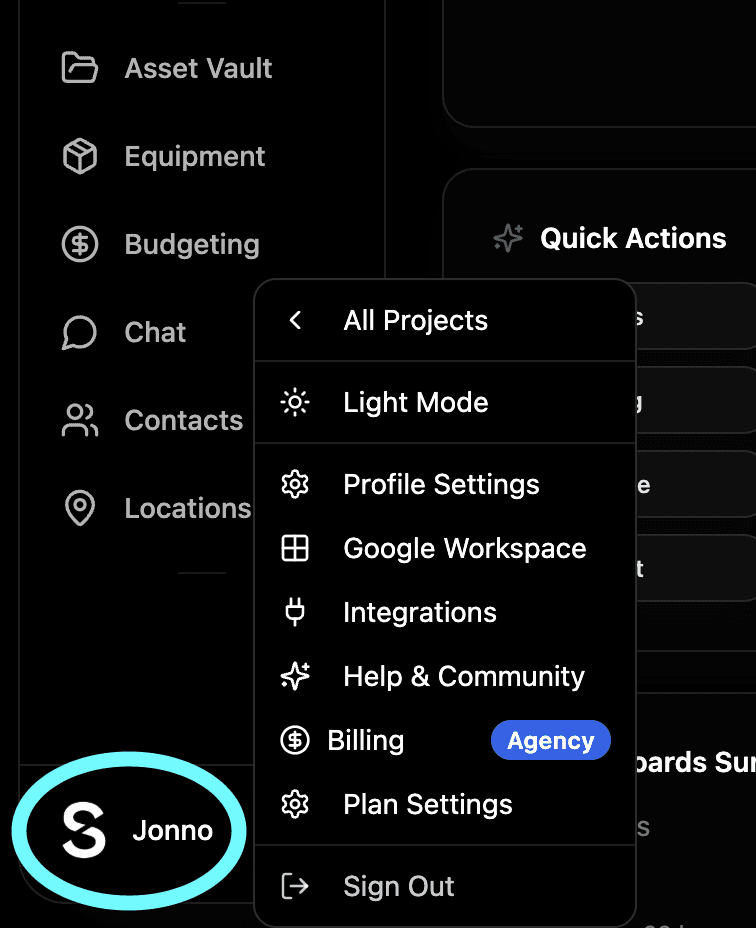
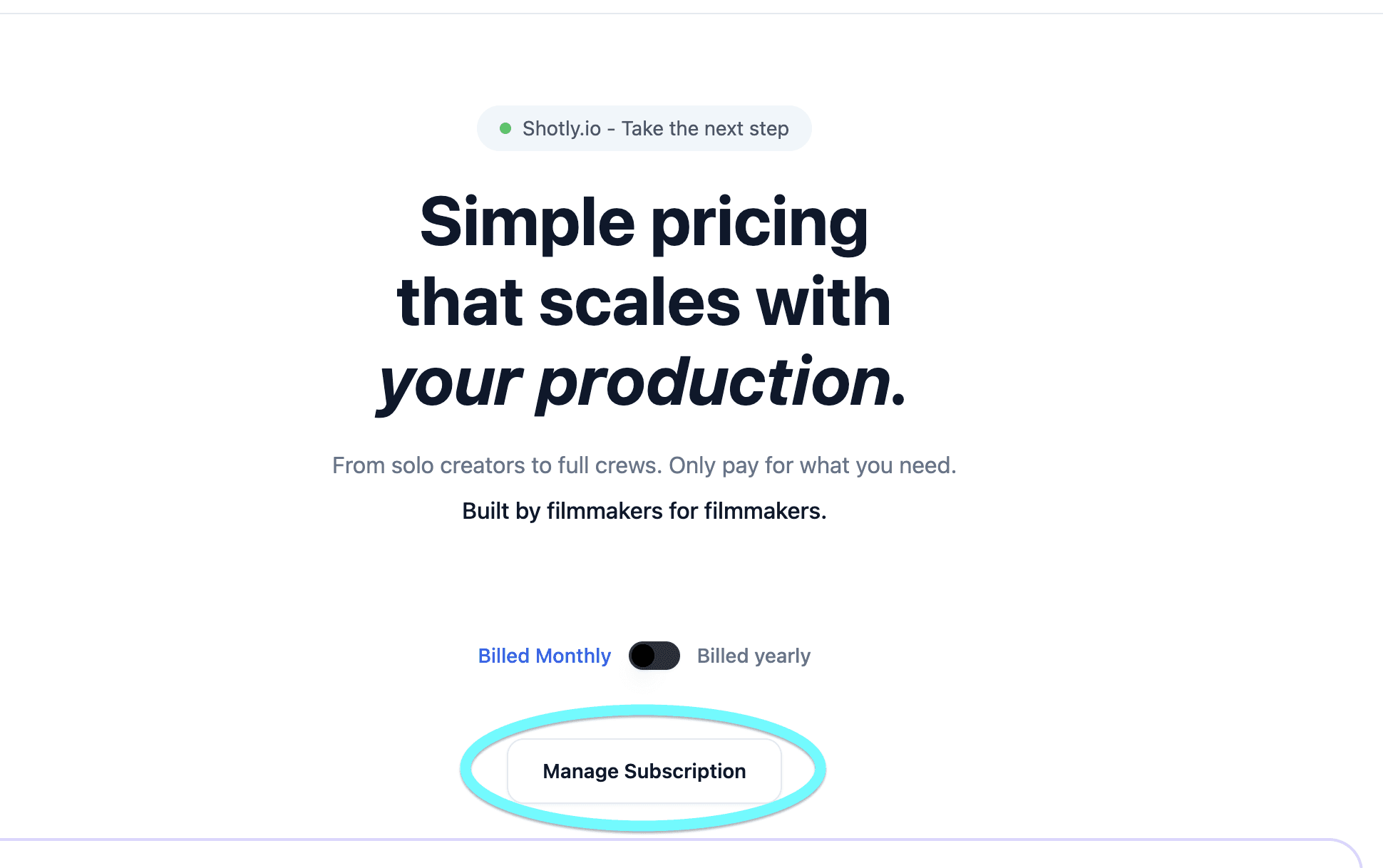
How to upgrade Click your profile picture, go to Billing and choose the plan you want to move to. You'll be taken to your Stripe billing page where you can confirm the upgrade. You'll be charged the new amount immediately and your new features and seats unlock straight away.
What happens to your existing work Nothing changes. All your projects, scripts, shot lists, schedules and team members stay exactly as they are. Upgrading simply gives you access to more it never takes anything away.
Switching to an annual plan You can switch from monthly to annual billing at any time from your billing page. Annual plans give you two months free so if you know you're going to be using Shotly long term it's worth making the switch. The saving is applied automatically when you confirm.