Task Board
Keep your whole production moving with a clean simple task board. Assign work, track progress and make sure nothing slips through the cracks.
Getting there Open your project and click Task Board in the left sidebar.
How it works Your task board gives you a full overview of every task across your production organised by category. Think of it like a production command centre - everything that needs doing, who's doing it and where it's at.
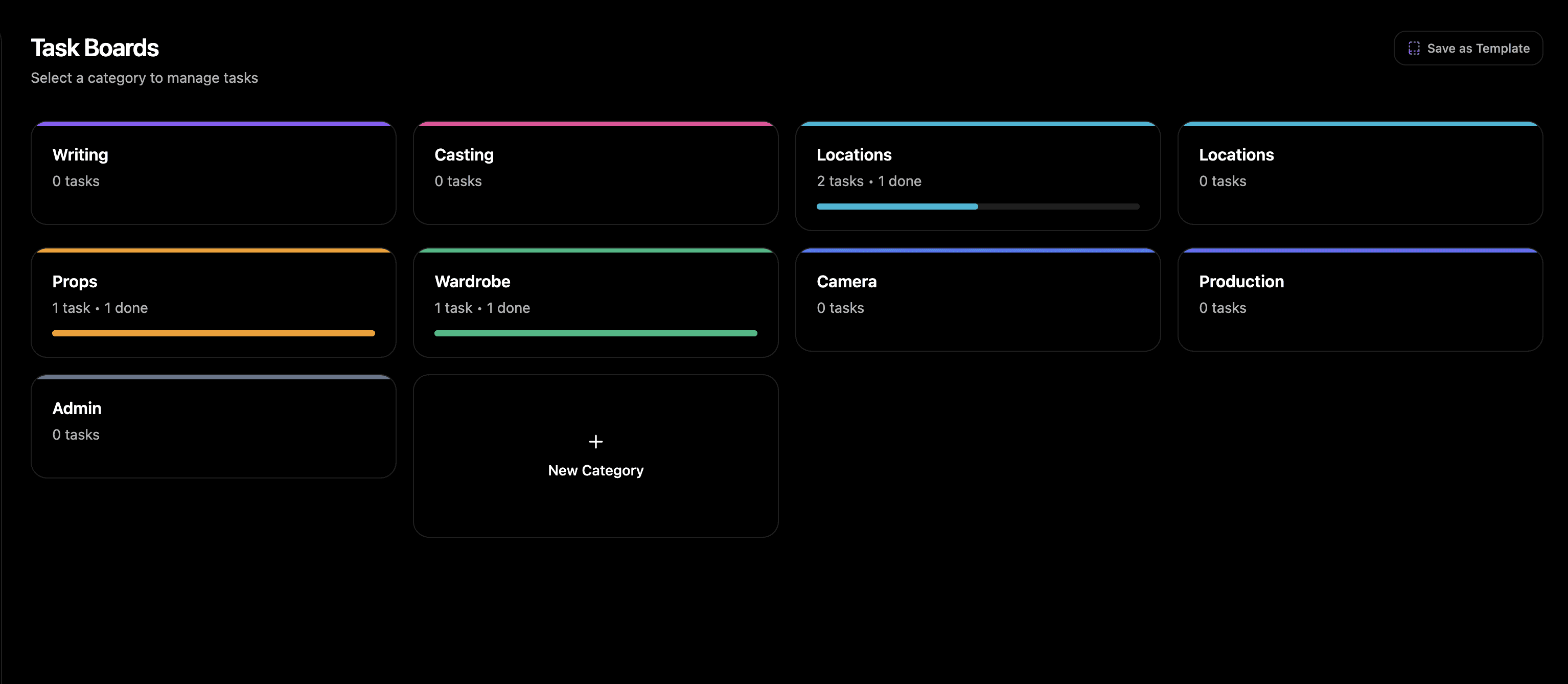
Creating tasks Create tasks and assign them to anyone on your project. Set the priority, add a due date, attach any files or notes and drop it into the right category. Simple as that.
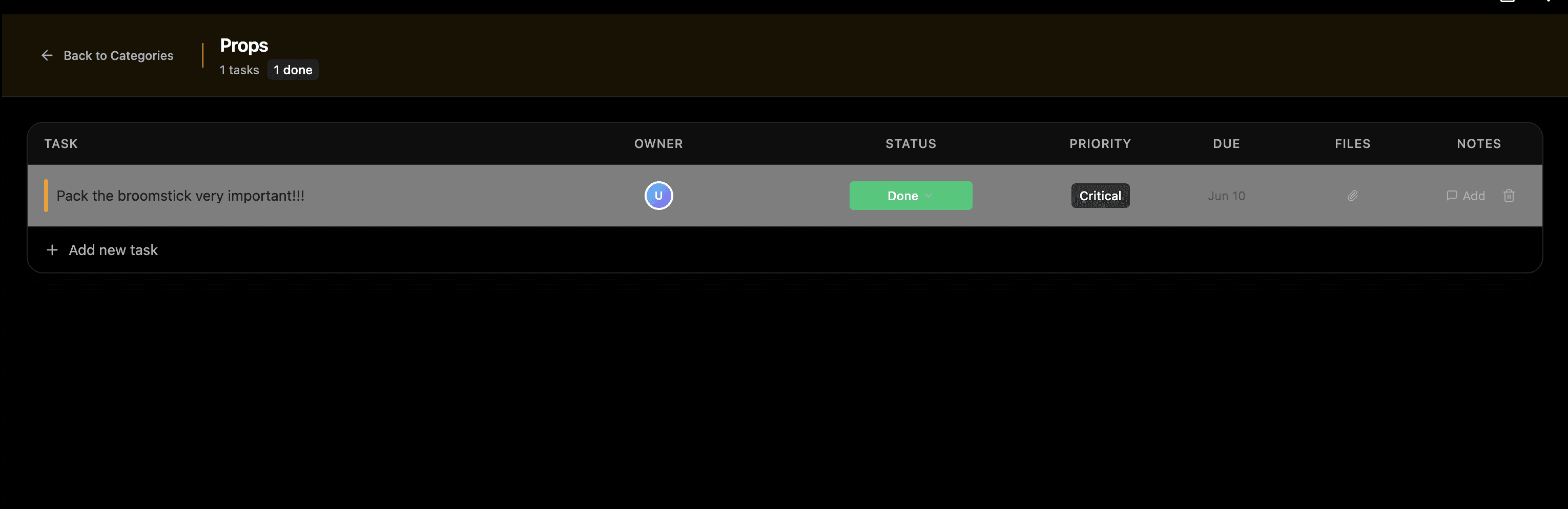
Categories Your board comes with standard categories out of the box but you can create your own too. Organise tasks however makes sense for your production.
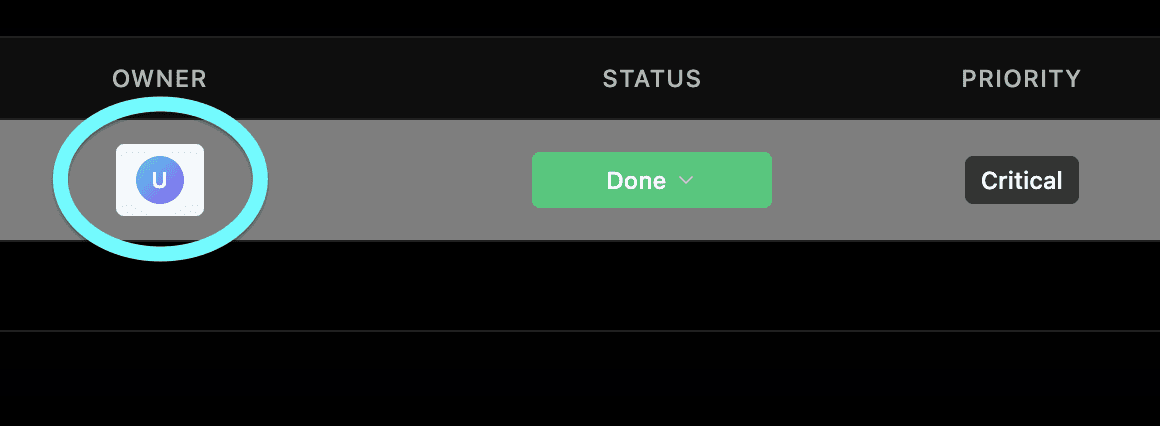
Assigning to your team Assign tasks to editors or viewers. Viewers are free and unlimited so you can loop in as many people as you need without it costing you extra seats. Once assigned they can update the status of their tasks so you always know what's in progress, what's done and what's waiting.
Priority and due dates Set a priority level on every task so your team knows what to hit first. Add due dates to keep the whole production on schedule.
Need help? Contact us at support@shotly.io and we'll get back to you fast.