Group chats
Keep all your production communication in one place. No more WhatsApp groups, no more lost messages, no more searching through your phone for that file someone sent three weeks ago. Available on Studio plans only.
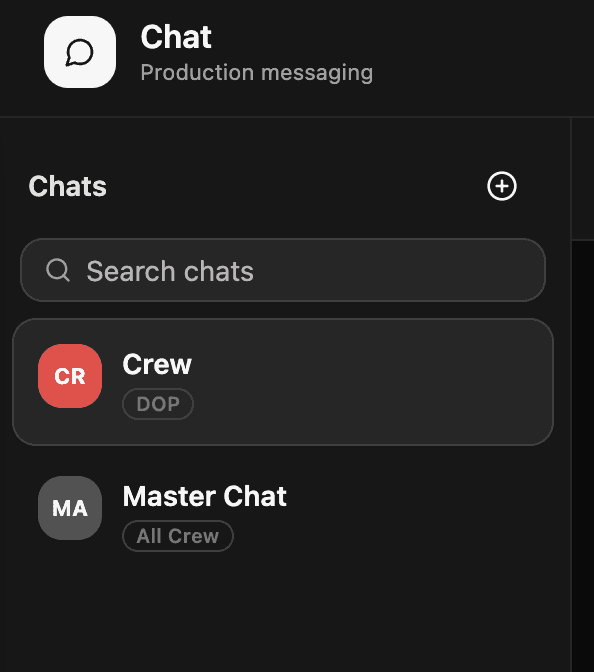
Getting there Open your project and click Chat in the left sidebar.
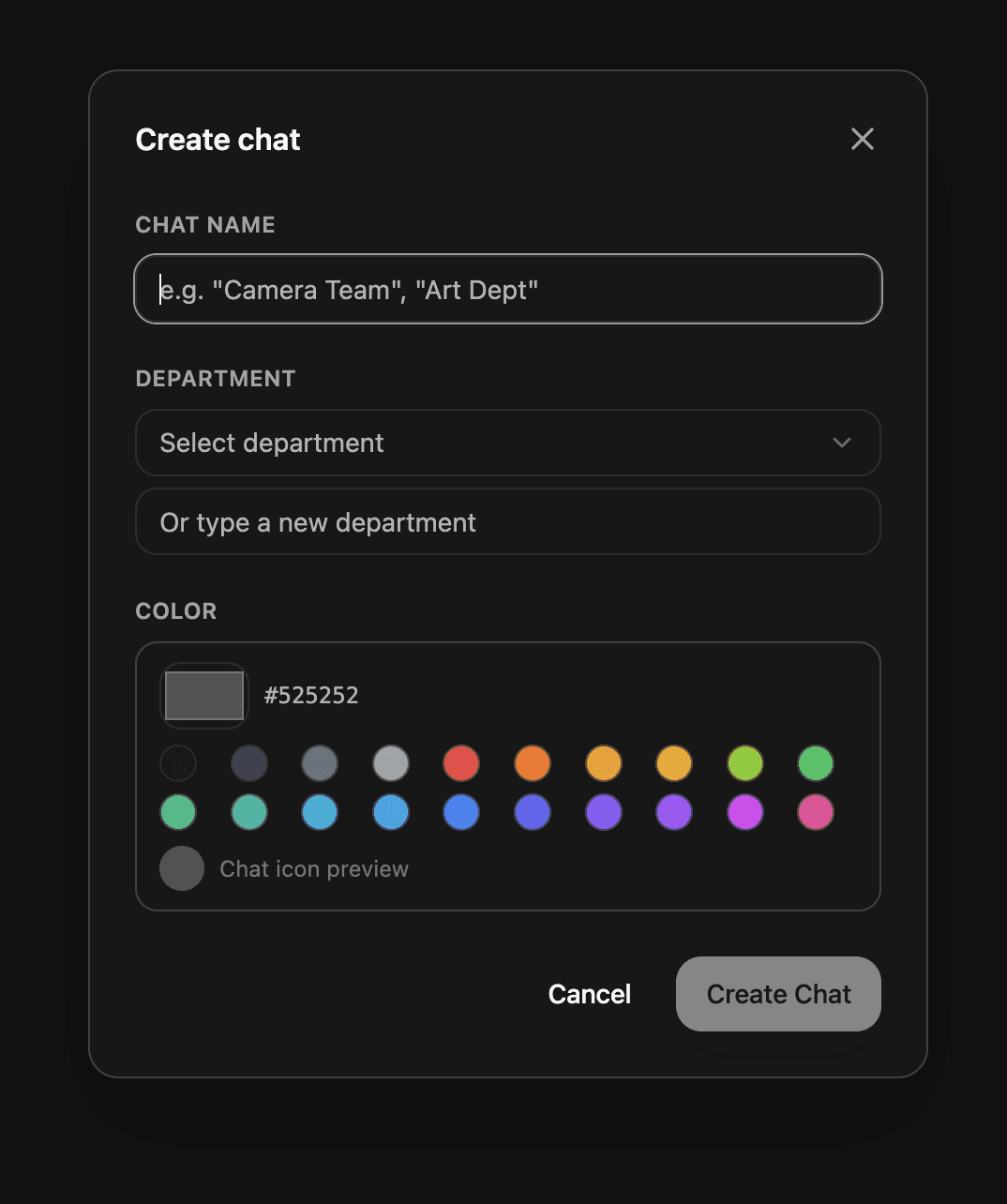
How it works Create group chats with your editors and viewers. Everyone on your production can communicate in real time directly inside Shotly. It works just like a messaging app — but everything is connected to your project.
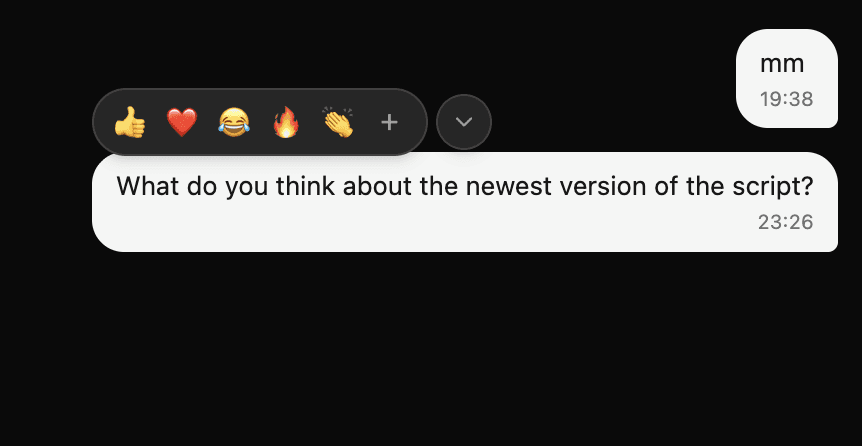
What you can do Send messages, share voice notes and attach files directly in the chat. Reference specific sections of your script, pull data from other parts of your project and keep conversations tied to the production they're about.
Why it matters Everything stays in one place. No switching between WhatsApp, email and Slack to find a conversation. No files lost in a group chat. Your whole team, your whole project, your whole communication - all inside Shotly where it belongs.
Need help? Contact us at support@shotly.io and we'll get back to you fast.