Asset Vault
One home for every file your production generates. Scripts, call sheets, contracts, references — all organised and accessible to your whole team. Available on Studio plans only.
Getting there Open your project and click Asset Vault in the left sidebar.
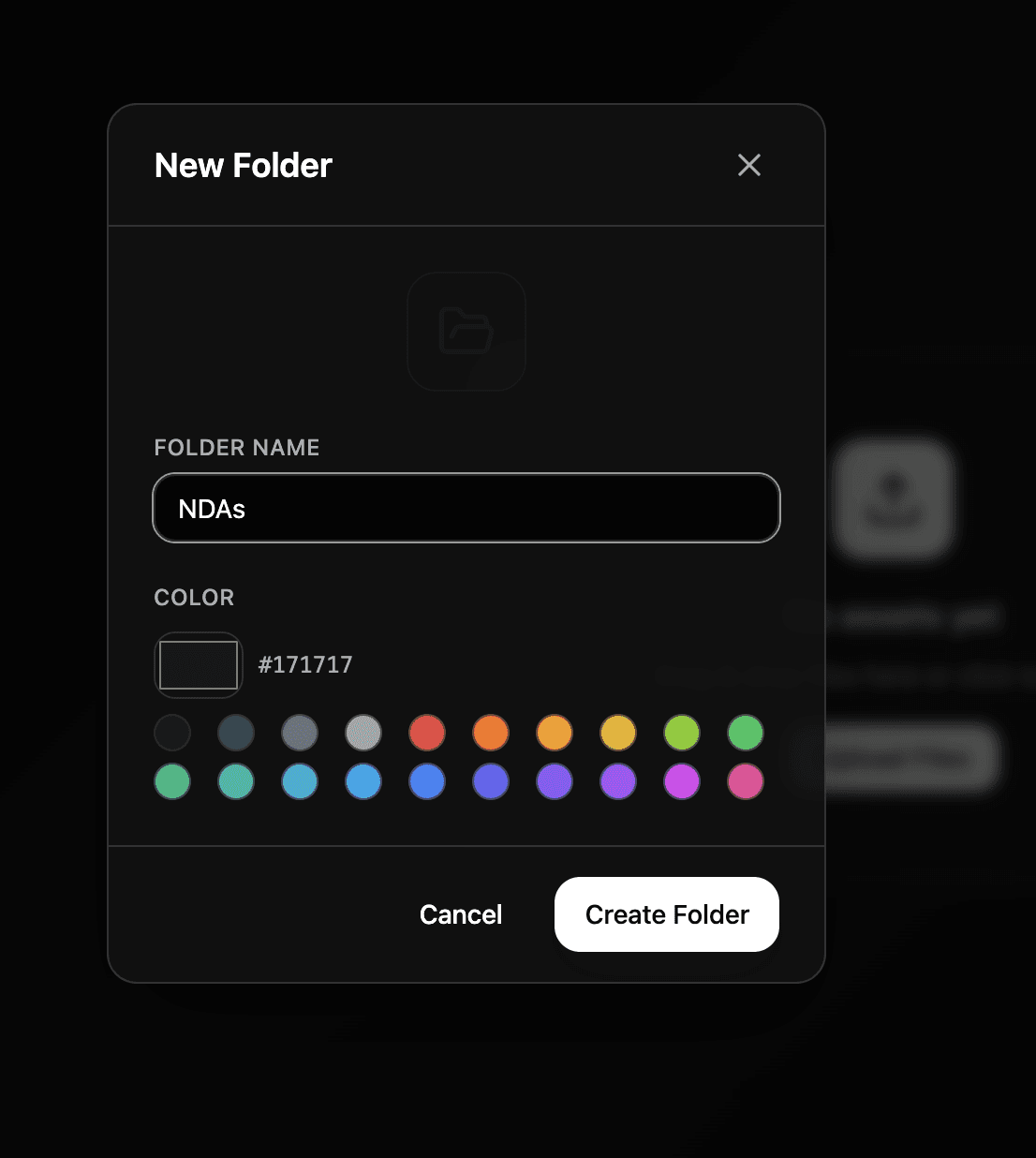
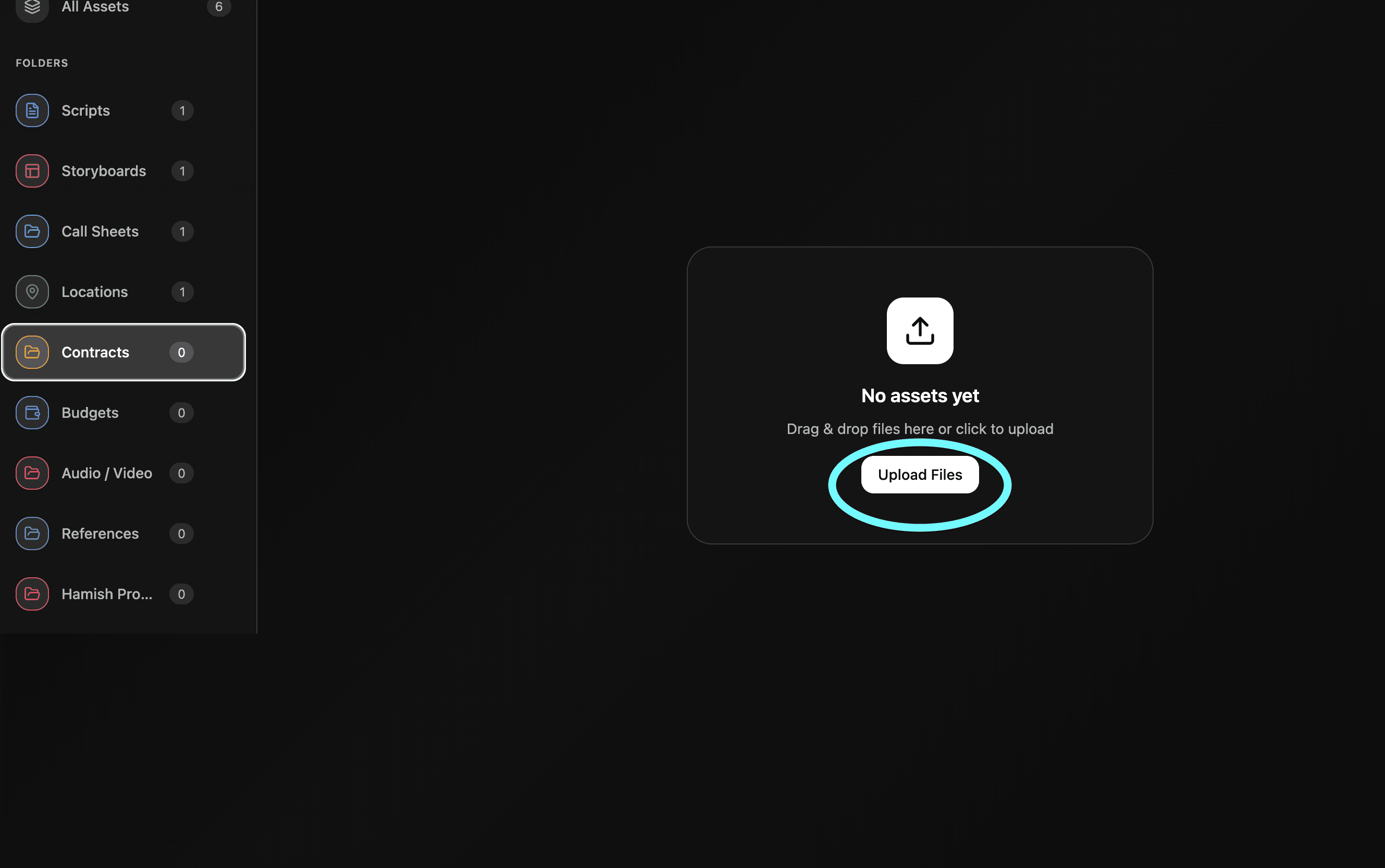
How it works Create folders and upload files to keep everything organised by category. Scripts in one folder, contracts in another, references somewhere else - structure it however makes sense for your production.
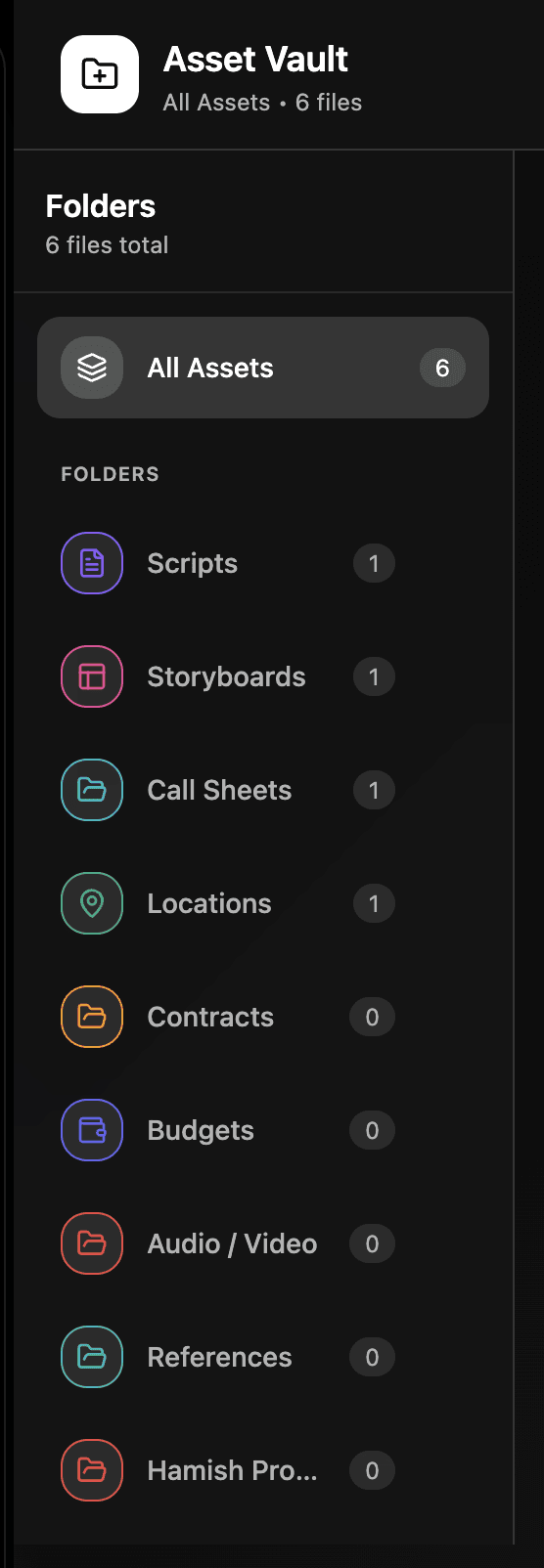
What you can store Anything your production needs to keep in one place. Scripts, call sheets, contracts, mood board references, production documents - if it's a file it can live in the Asset Vault.
Google Drive integration Coming soon. Once Google Workspace integration launches you'll be able to access your entire Google Drive directly from the Asset Vault. Everything in one place without switching tabs.
Need help? Contact us at support@shotly.io and we'll get back to you fast.