From sign up to your first project in under two minutes.
Step 1 — Create your account Head to app.shotly.io Enter your email address and create a password.
Step 2 — Verify your email You'll receive a six digit verification code to your inbox. Enter the code, then log in with the email and password you just created. Check your spam folder if it doesn't show up within a minute or two.
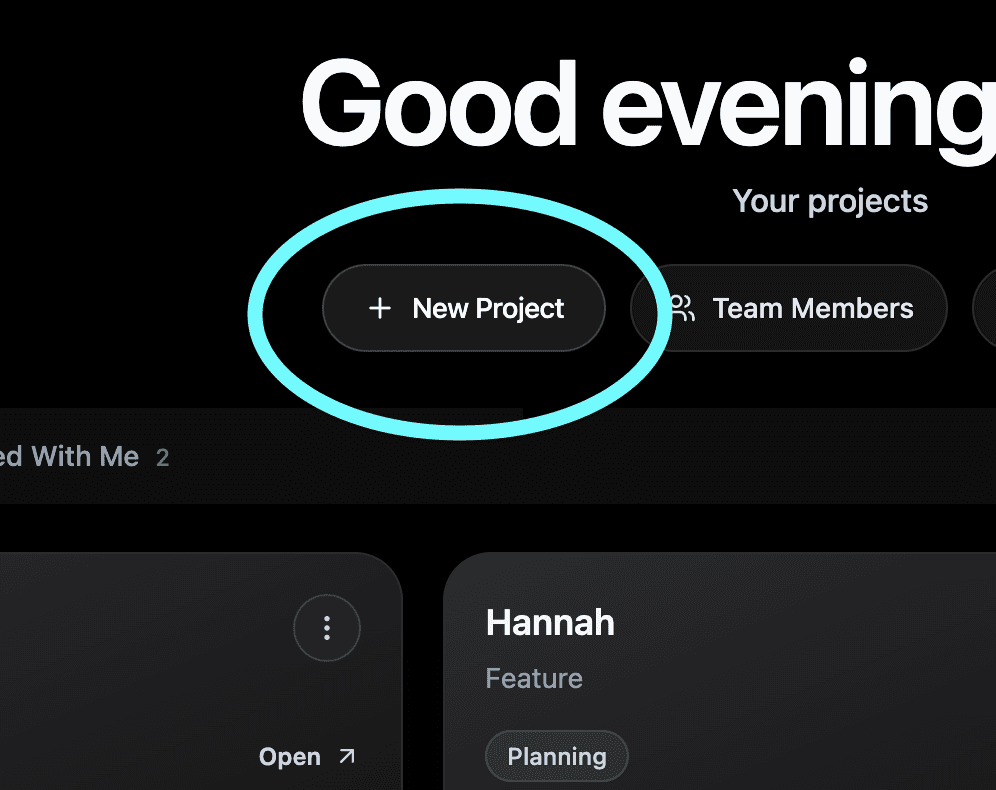
Step 3 — Create your first project Once you're in, hit the Add button on your home screen. Give your project a title, add your shoot details and you're good to go.
Step 4 — You're in You'll be taken straight into your project dashboard. Everything you need is in the sidebar on the left. Start exploring.
Still Need help? Contact us at support@shotly.io and we'll get back to you fast.