Finding your way around Shotly
Once you're inside a project everything you need is within a couple of clicks.
The dashboard Your project dashboard is the first thing you'll see when you open a project. It gives you a live overview of everything happening across your production - tasks, schedule, team activity and more. You can customise it with widgets to show the information most relevant to your shoot.
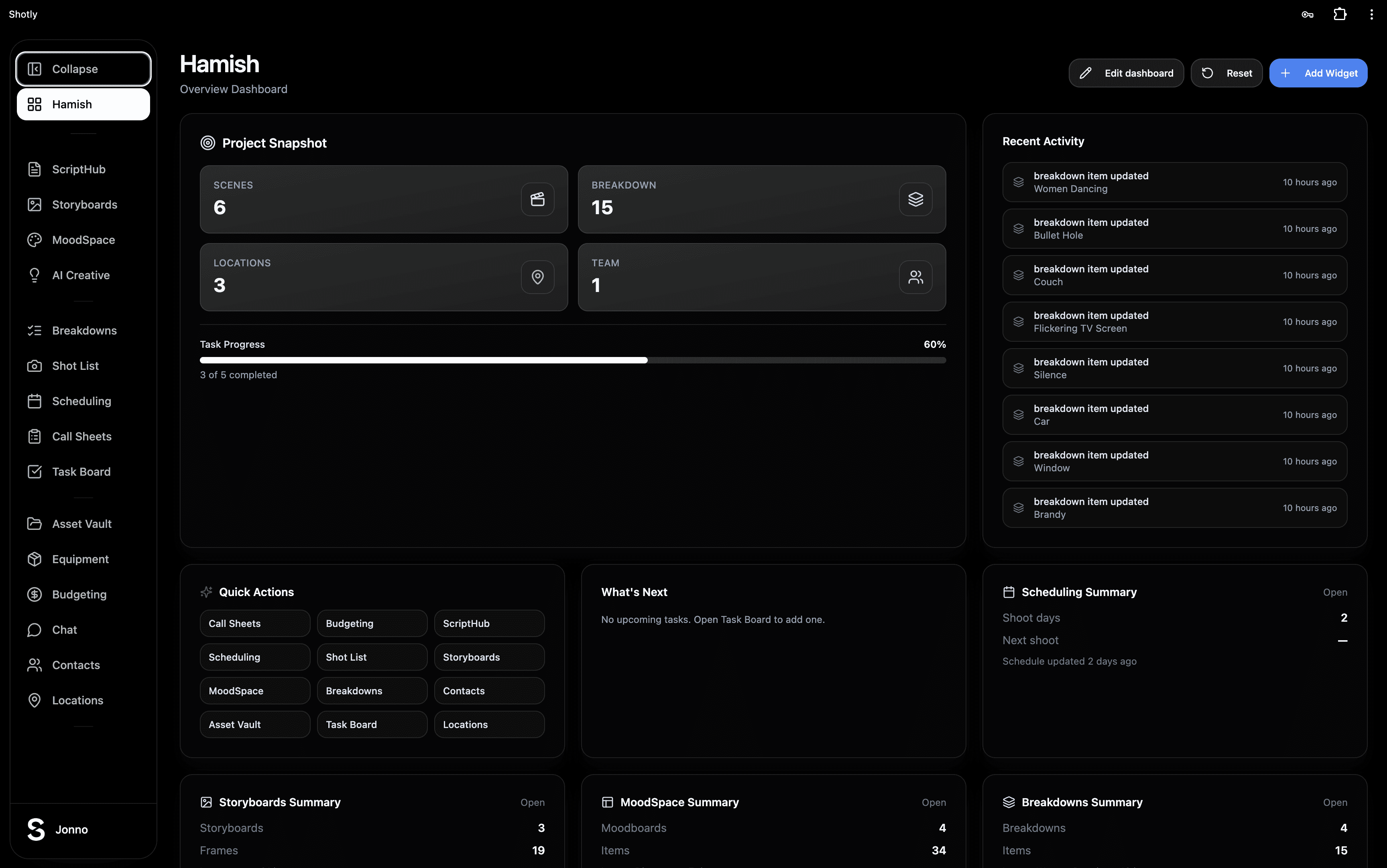
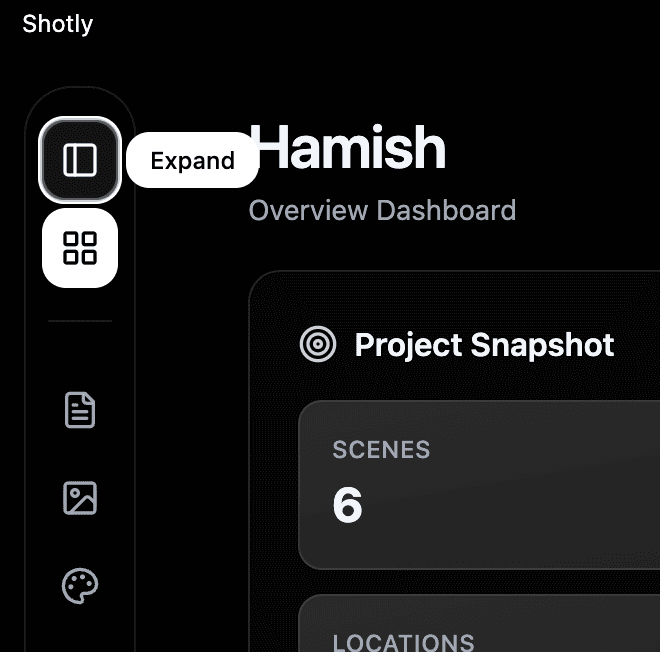
The sidebar On the left side of the screen is your main navigation. Every tool in Shotly lives here - ScriptHub, Storyboards, MoodSpace, Shot List, Scheduling, Call Sheets and everything else. If the sidebar is in the way just hit the collapse button to hide it and bring it back whenever you need it.
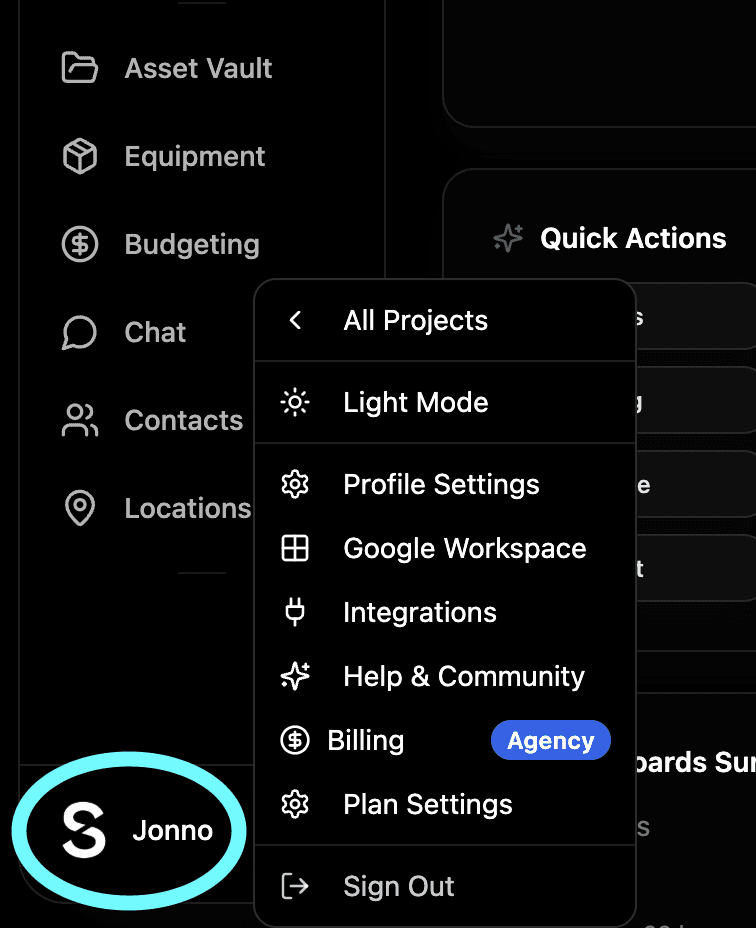
Your profile Click your profile picture in the bottom corner to access your personal settings. From here you can manage your billing and plan, update your personal information and access Google Workspace integrations if you're on a Director or Studio plan.
Need help? Contact us at support@shotly.io and we'll get back to you fast.