Locations
Every shoot location logged, detailed and connected to the rest of your production. No more hunting for addresses on shoot day.
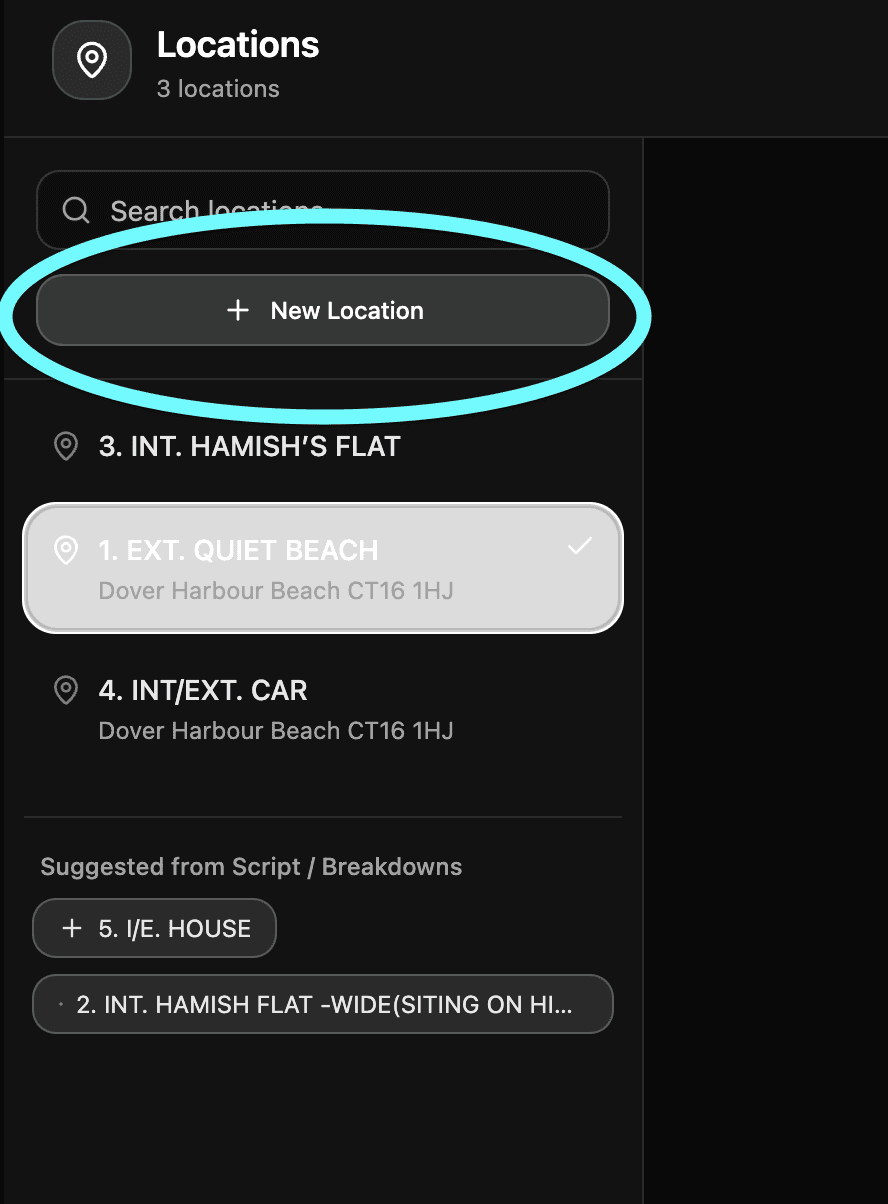
Getting there Open your project and click Locations in the left sidebar.
Adding locations Locations can be pulled directly from your script or added manually. Either way once they're in you can build them out with everything your crew needs to know.
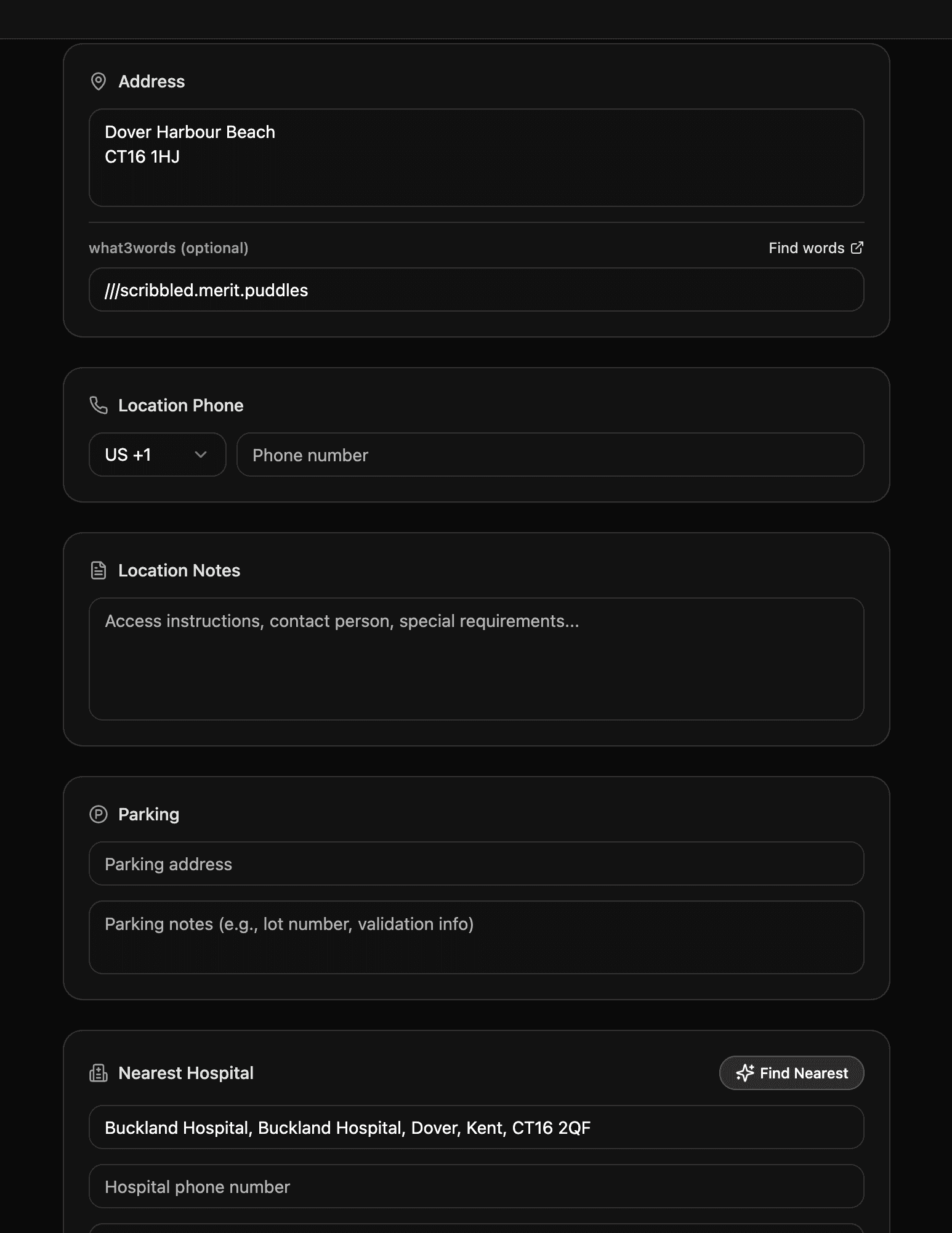
Location details For each location you can add the full address, what3words location, contact number, parking information, notes and anything else relevant to that specific place. The more detail you add here the less questions you'll get on the day.
Linked to your call sheets Every location is automatically synced to your Call Sheets. When you're building a call sheet just import your locations and all the details fill in instantly. No copy pasting, no mistakes.
Need help? Contact us at support@shotly.io and we'll get back to you fast.