Google Workspace Integration (Coming soon.)
Connect your entire Google Workspace to Shotly and bring everything together in one place. Available on Pro and Studio plans. (Coming soon.)
Getting there Click your profile picture in the bottom corner of the app and head to Integrations. From here you can connect your Google account and manage exactly what Shotly has access to.
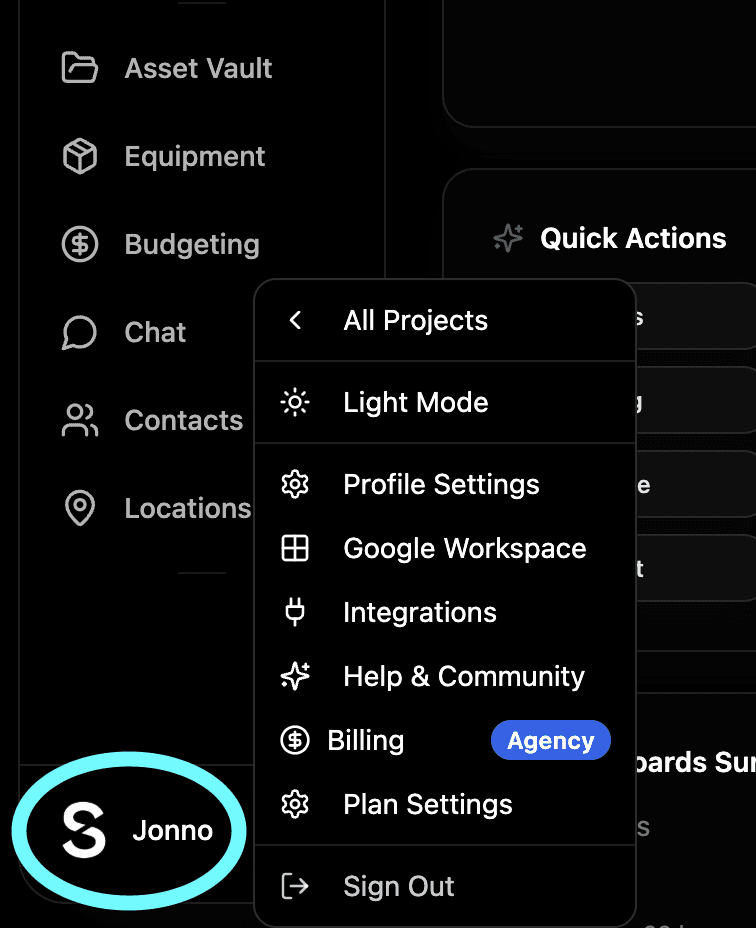
You are always in control Connecting Google Workspace is completely optional and entirely at your discretion. You choose what Shotly has access to and you can revoke that access at any time. Nothing connects without your explicit permission.
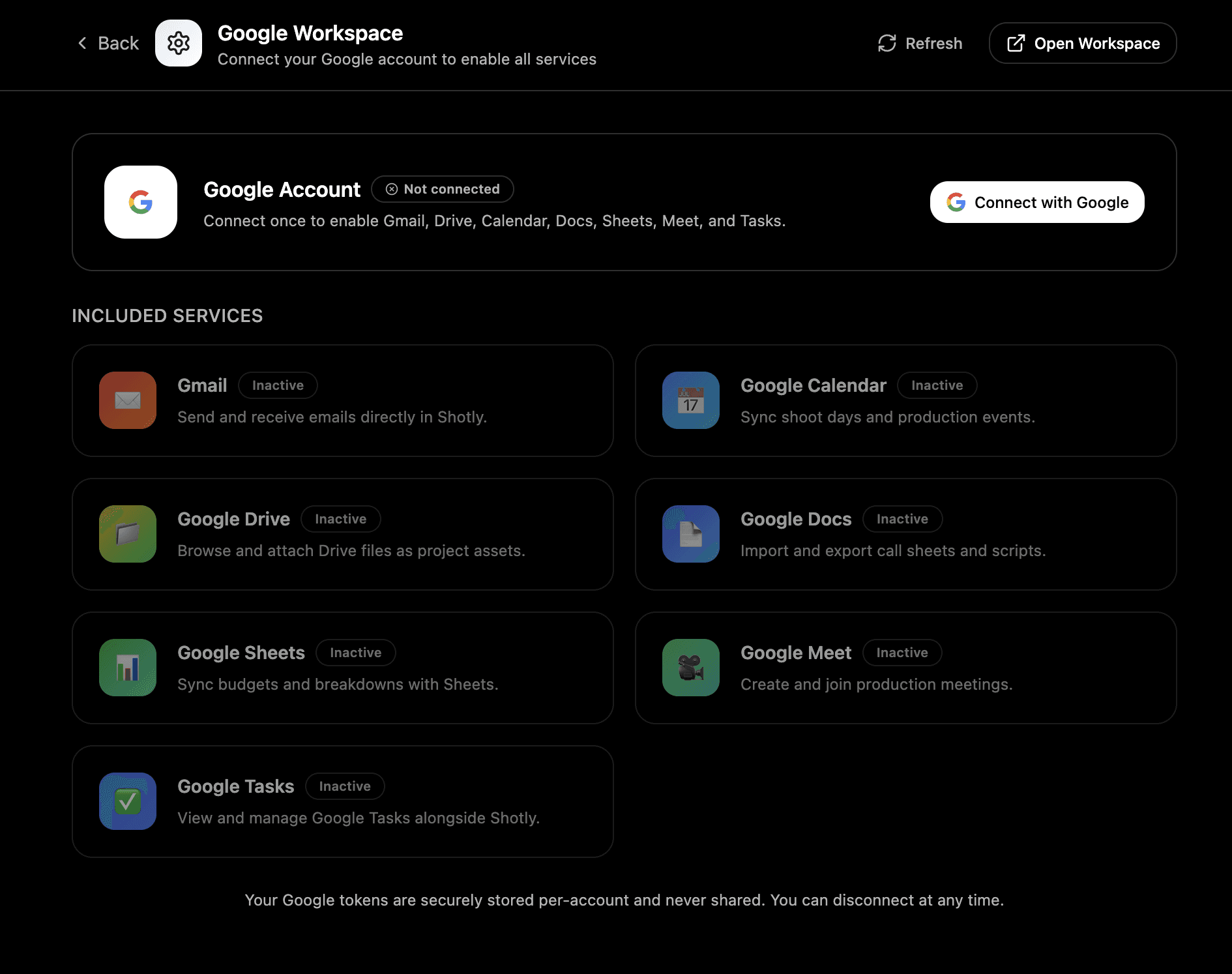
What you can access Once connected you'll have a full Google Workspace inside Shotly. Everything you'd normally access in Google is available directly from the platform - Gmail, Google Drive, Sheets, Docs and Tasks - without switching tabs or leaving your project.
How it works across Shotly
ScriptHub - AI can read scripts you've previously written in Google Docs and import them directly into Shotly format. No copy pasting, no reformatting.
Call Sheets - Build your call sheet in Shotly and export it directly to Google Docs or send it as an email via Gmail without leaving the app. You can also track whether recipients have opened it.
Budgeting - Import existing budget sheets from Google Sheets directly into Shotly with AI. Export your Shotly budgets back to Google Sheets whenever you need to share them externally.
Asset Vault - Access your entire Google Drive directly from the Asset Vault on Studio plans. All your production files in one place without switching between apps.
Task Board - Your Google Tasks are linked into your Shotly task dashboard so everything you need to action is visible in one place.
Exporting back to Google Everything flows both ways. Whatever you create in Shotly - call sheets, scripts, budgets, shot lists - can be exported directly into your Google Workspace whenever you need it.
Disconnecting Google You can disconnect your Google Workspace integration at any time from your integrations settings. Disconnecting removes Shotly's access to your Google account immediately.