Call Sheets
Build professional call sheets in minutes. Everything is already connected to your project so most of the hard work is done before you even start.
Getting there Open your project and click Call Sheets in the left sidebar.
Building your call sheet You'll have all the standard call sheet sections ready to go. Move the tabs around to organise them the way you want and fill in your details. It looks and works exactly like a professional call sheet should.
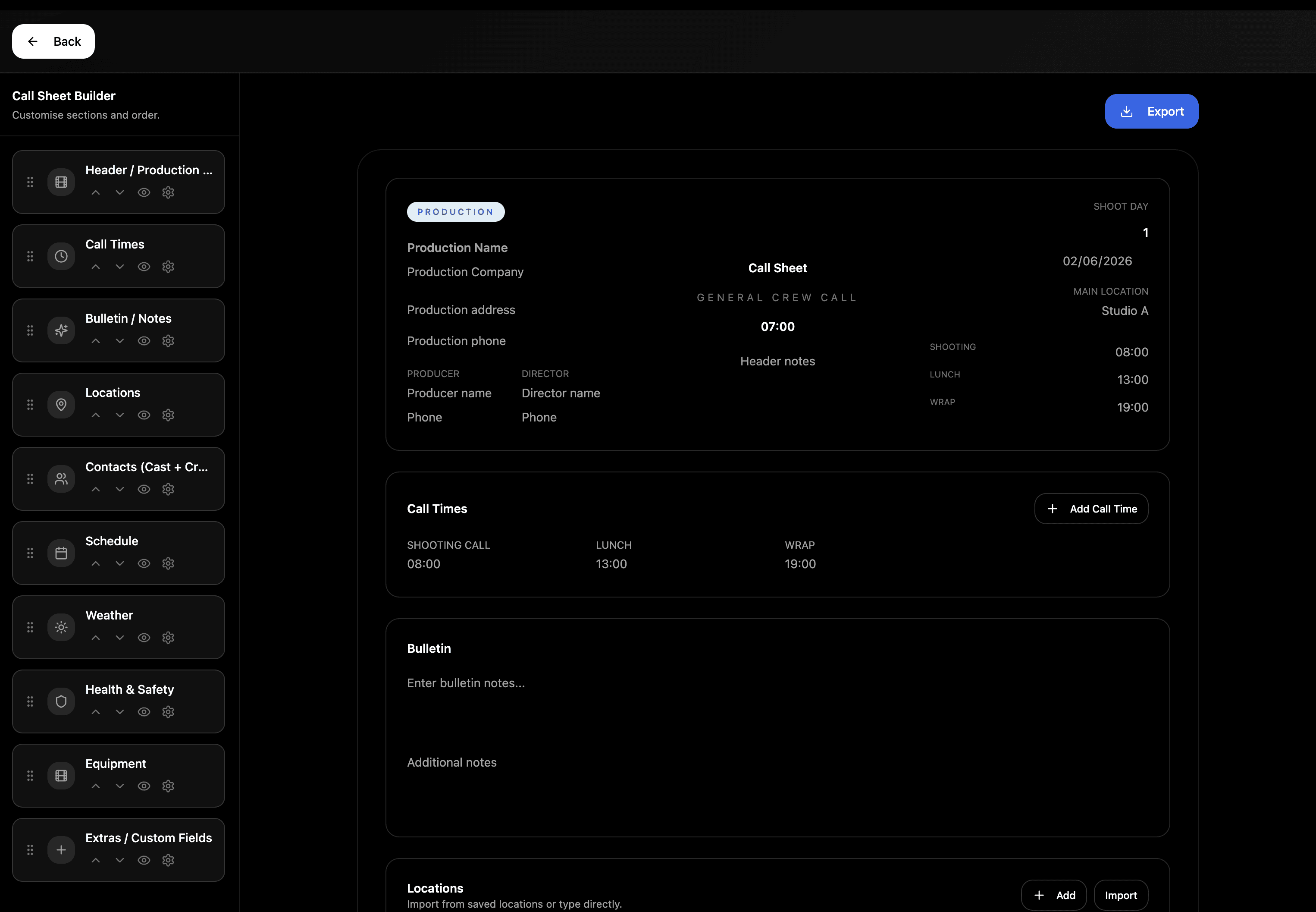
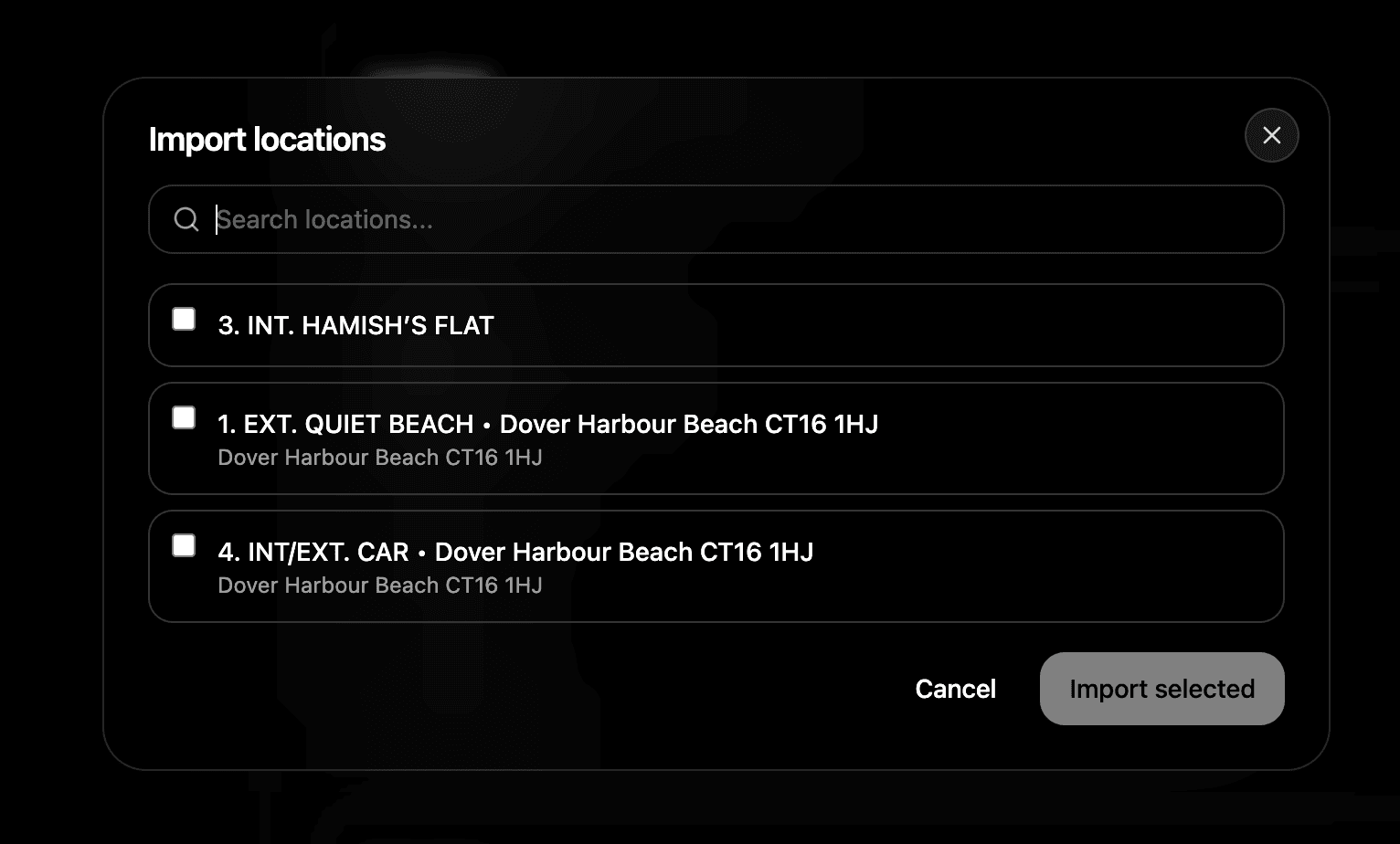
Auto importing your data Your call sheet is already linked to your Locations and Contacts pages. Just hit import on those sections and your location details and crew information fill in automatically. No copy pasting, no manual entry.
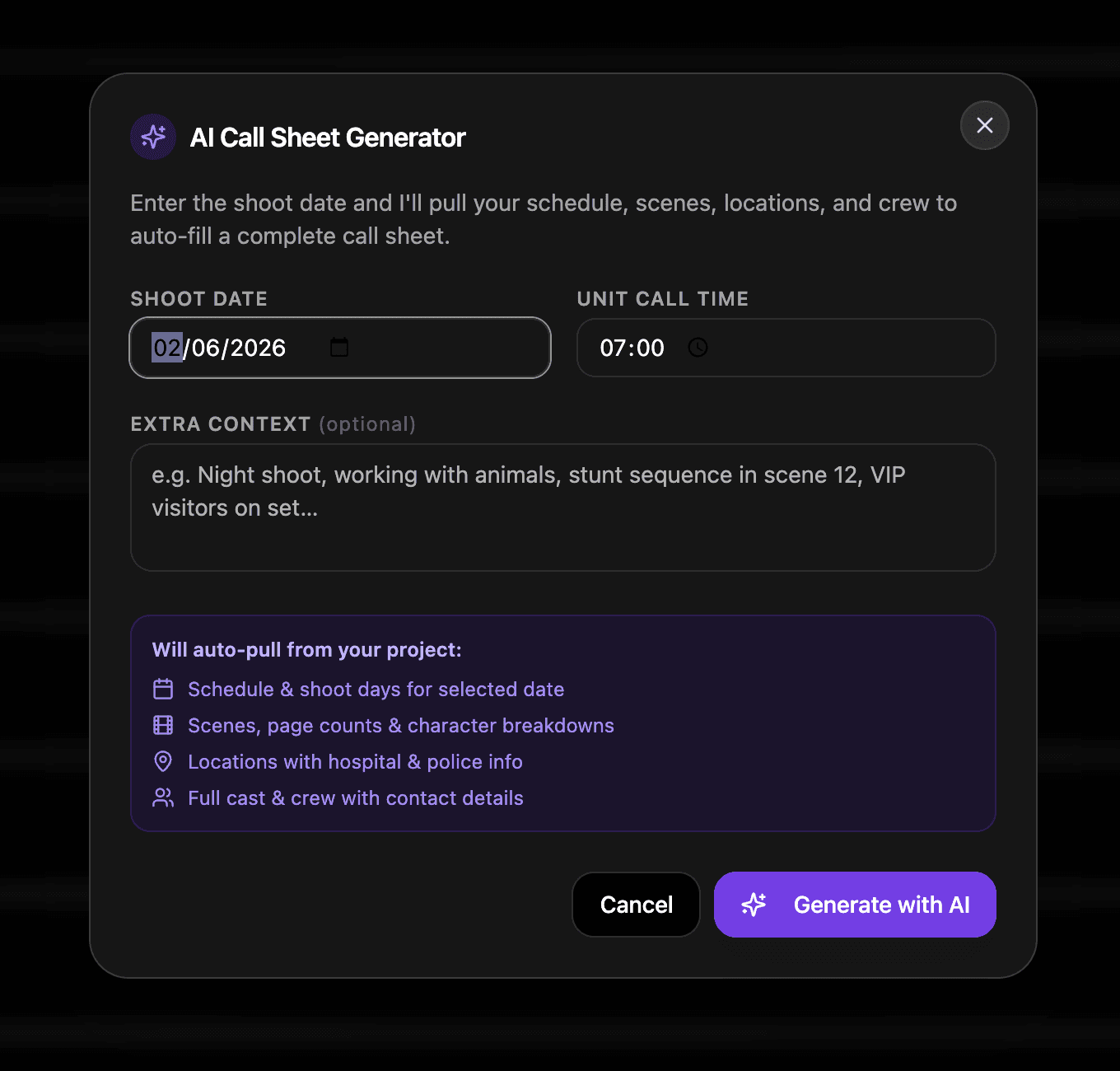
AI Call Sheet Builder Available on Pro and Studio plans. Give Shotly a few prompts, it reads your entire project and builds your call sheet for you. Cast, crew, location, schedule — all pulled together in seconds and ready to send.
Exporting and sending Once your call sheet is ready export it as a PDF and send it to your crew. Clean, professional and done in a fraction of the time it used to take.
Need help? Contact us at support@shotly.io and we'll get back to you fast.