Budgeting
Track every penny from pre-production to wrap. Budgets, department breakdowns and invoicing all in one place. Available on Studio plans only.
Getting there Open your project and click Budgeting in the left sidebar.
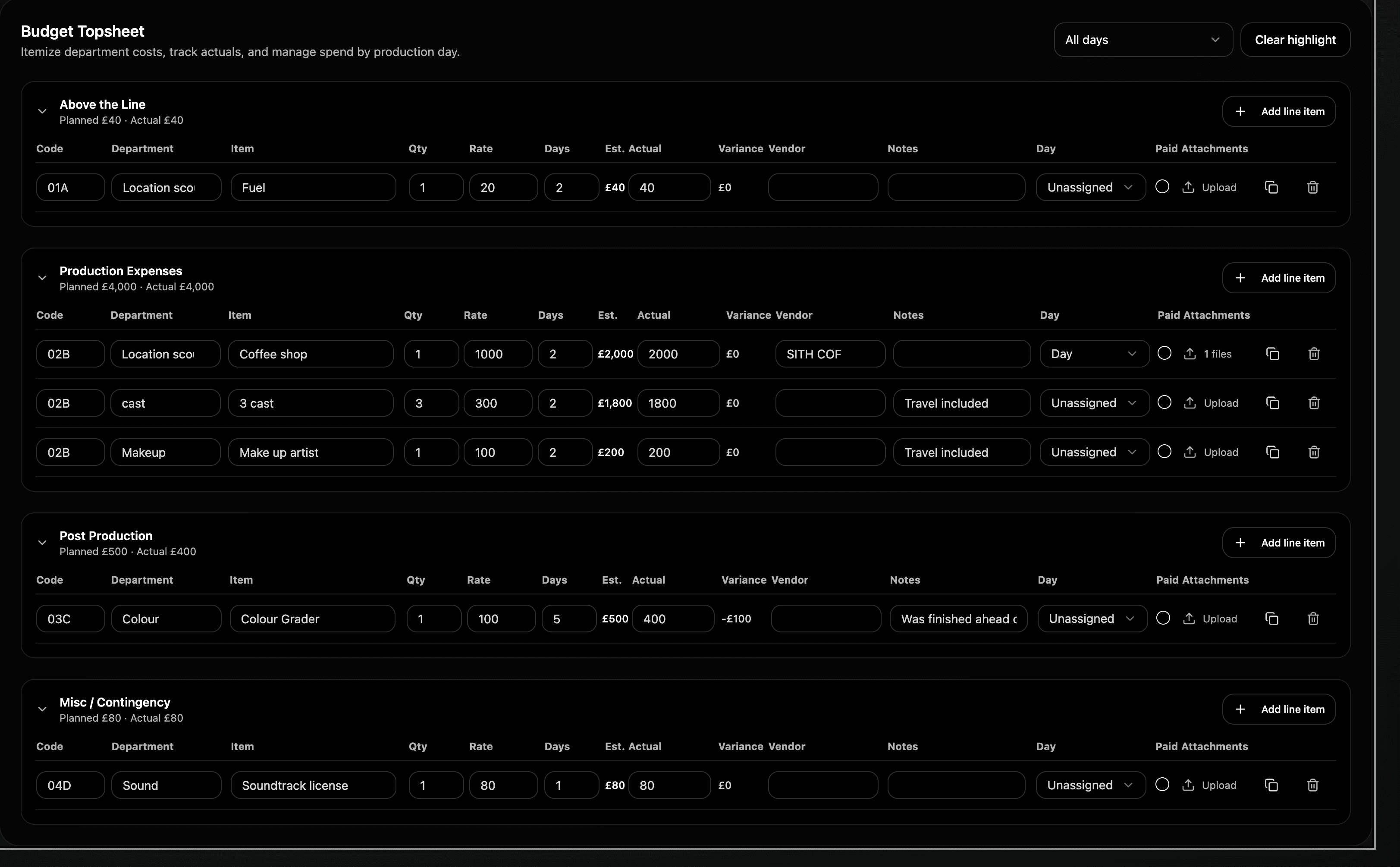
Setting up your budget Add your production company name, your total budget and start breaking it down. The budget topsheet covers everything you need - above the line costs, production expenses, post production and contingency. Standard industry structure, built right in.
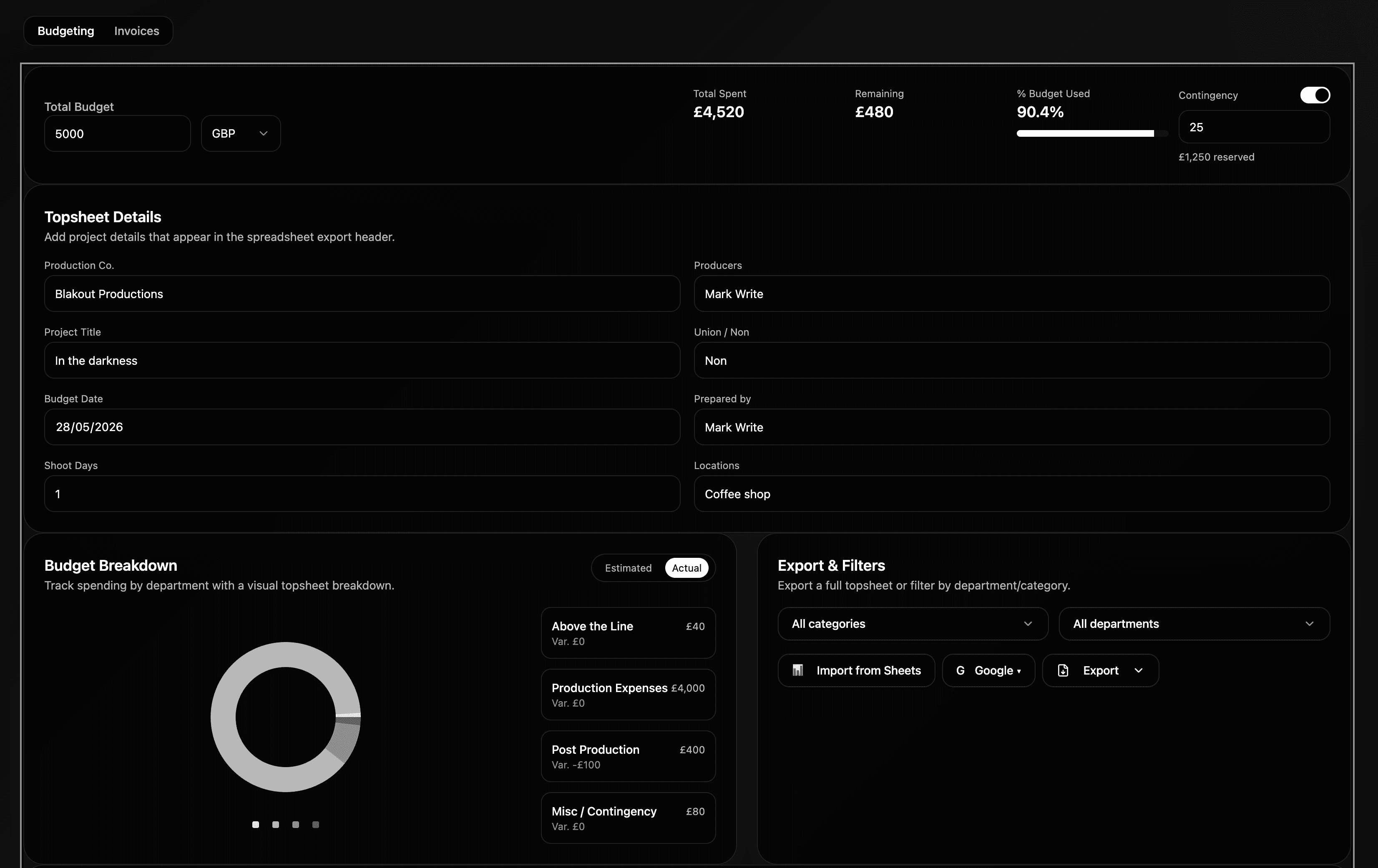
Tracking spend Every line item is tracked against your total so you always know what's over budget, what's on track and where your money is going. Department codes keep everything organised and easy to read at a glance.
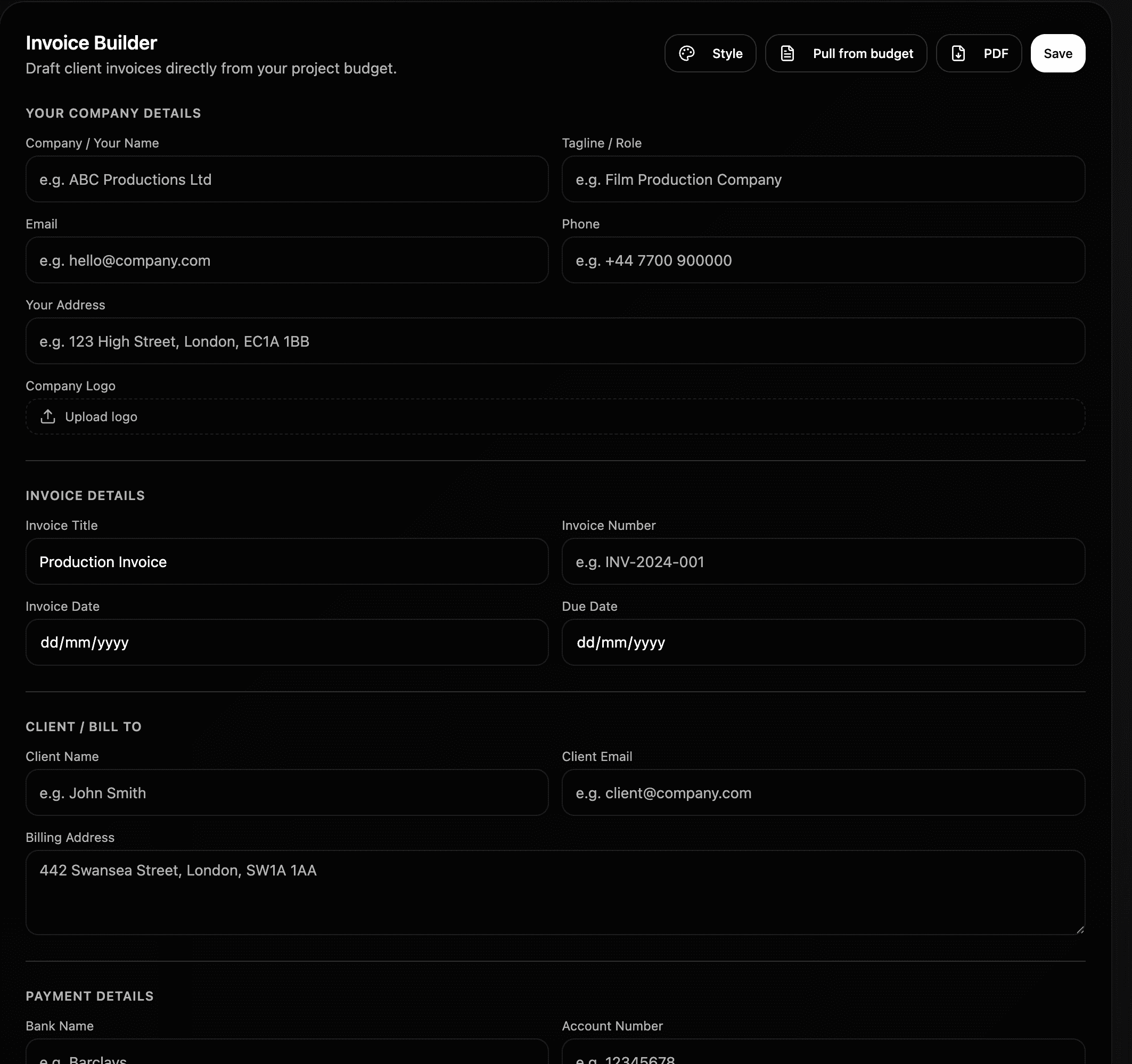
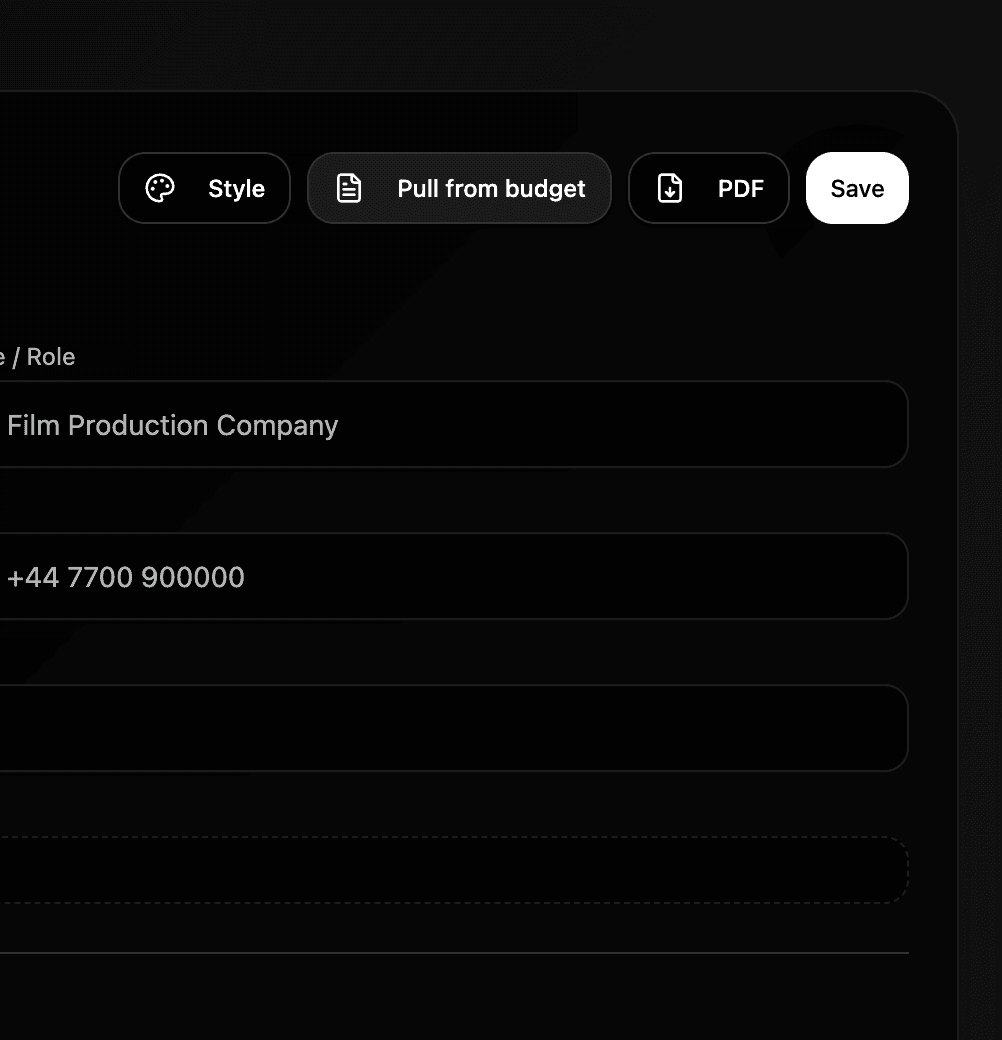
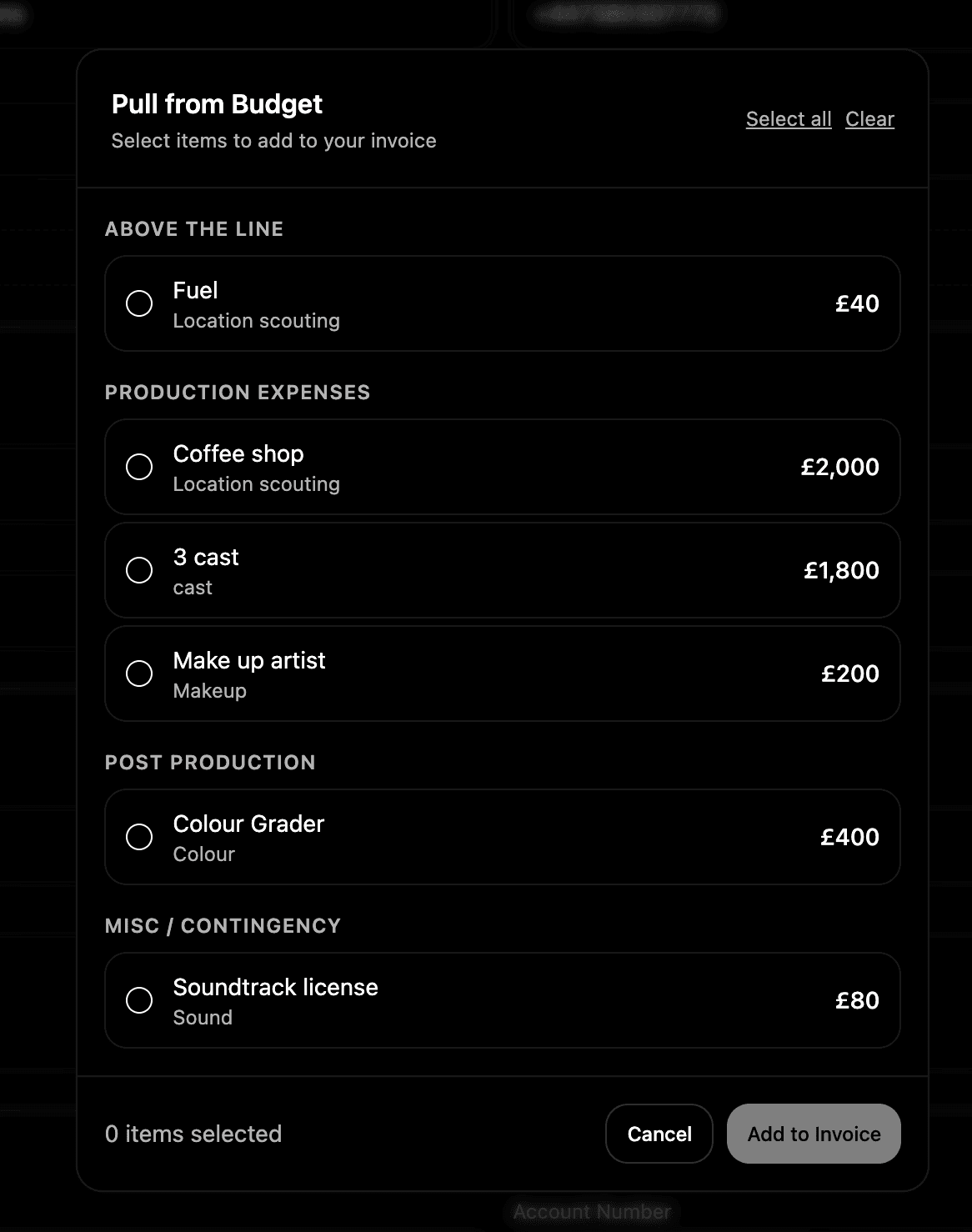
Invoicing Invoicing is built directly into Budgeting and linked to your budget sheet. Create professional invoices using custom templates and send them without ever leaving Shotly. Because your invoice is connected to your budget, everything stays consistent and up to date automatically.
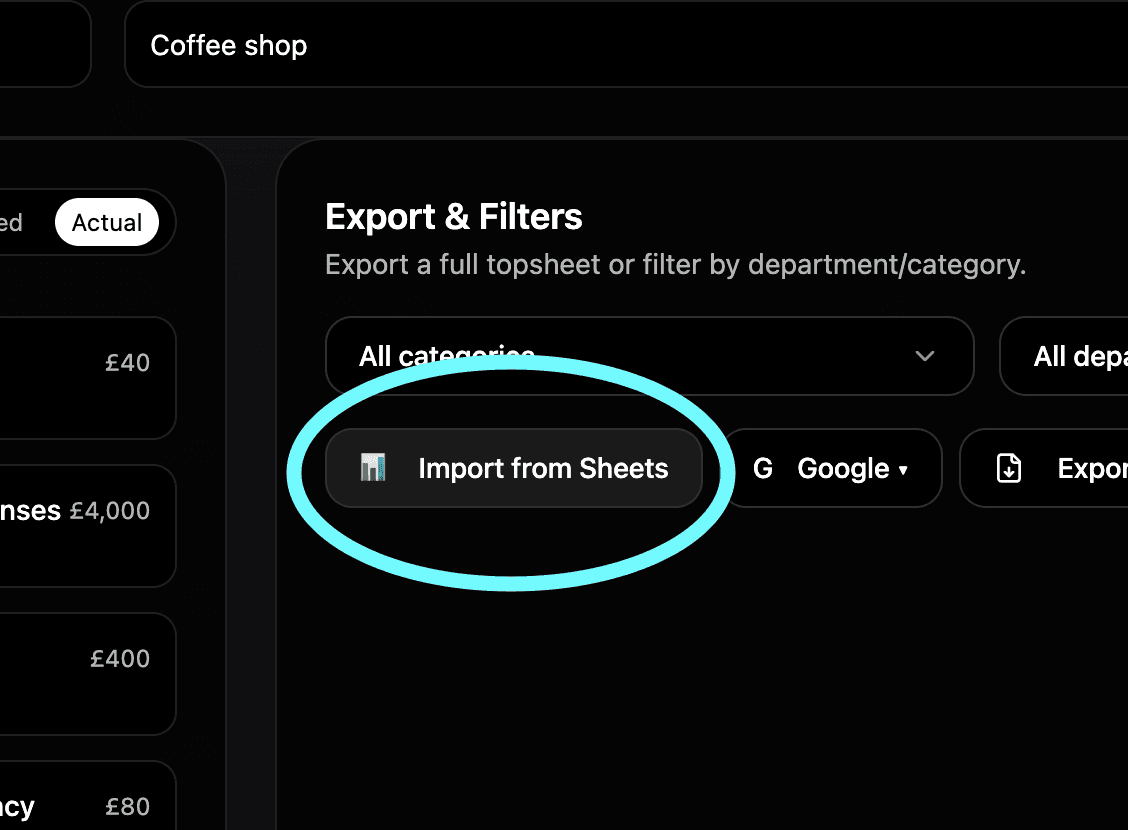
Google Sheets integration Coming soon. Once Google Workspace integration launches you'll be able to import existing budget sheets from Google Sheets directly into Shotly with AI. No manual data entry, no reformatting.
Need help? Contact us at support@shotly.io and we'll get back to you fast.