Mood Space
MoodSpace is Shotly's mood boarding tool. Build visual references for your shoot, communicate your creative vision and get everyone on the same page before the camera rolls.
Getting there Open your project and click MoodSpace in the left sidebar.
Creating a board Hit New to create a mood board. Give it a name - lighting, colour palette, costume references, locations - whatever you need to visualise for your shoot.
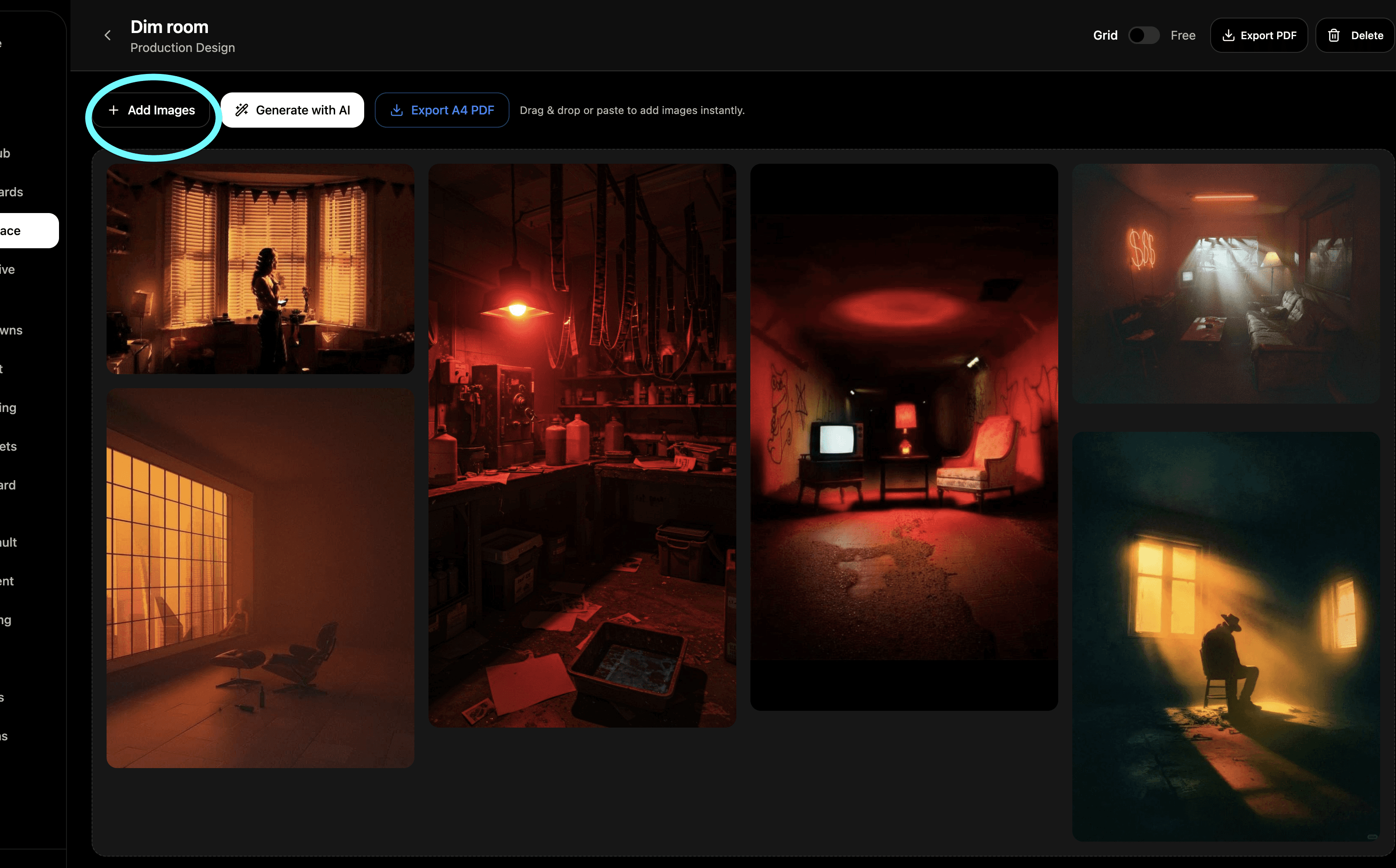
Adding images Upload your own images directly to the board. Reference photos, film stills, colour swatches, textures — anything that helps communicate the look and feel you're going for.
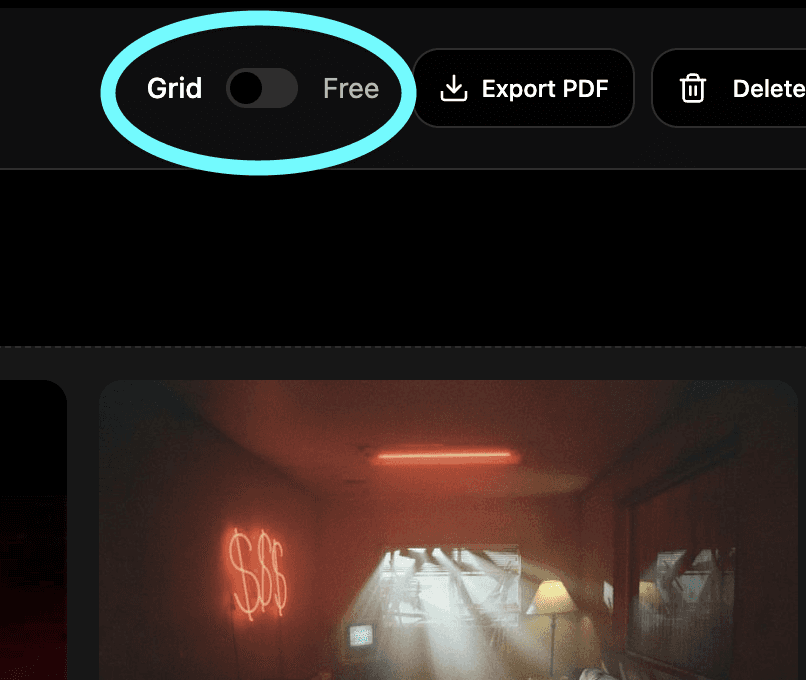
Free mode In free mode you can drag your images around the canvas and arrange them exactly how you want. Add text labels and headlines to annotate your board and give context to each reference.
Multiple boards Create as many boards as you need. One for lighting, one for colour, one for costume — keep each aspect of your visual language organised and separate.
Sharing Share your mood boards with your crew, your director of photography or your client so everyone shows up on set with the same vision in their head.
Need help? Contact us at support@shotly.io and we'll get back to you fast.