Equipment Tracking
Always know where your kit is. Check equipment in and out, track locations and get alerts when anything is overdue. Available on Studio plans only.
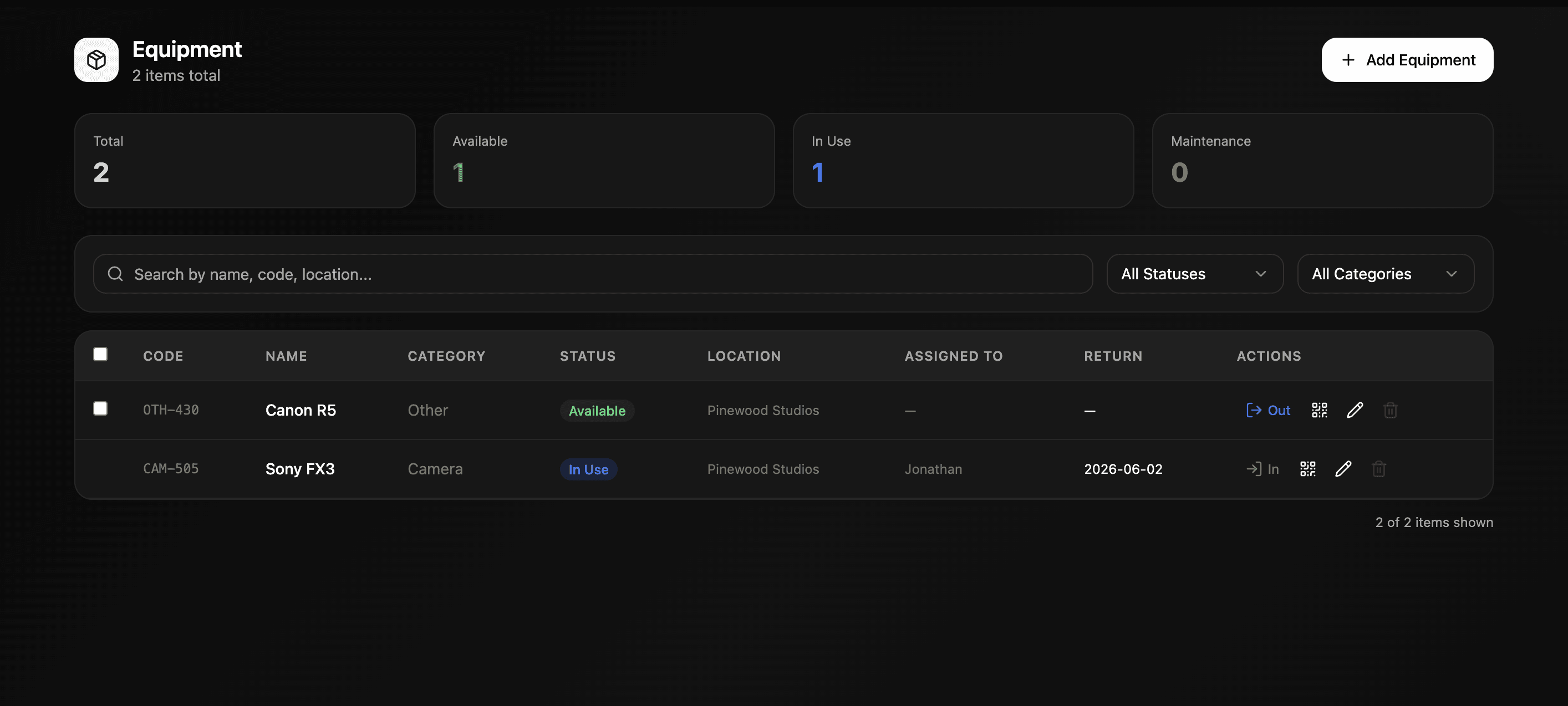
Getting there Open your project and click Equipment in the left sidebar.
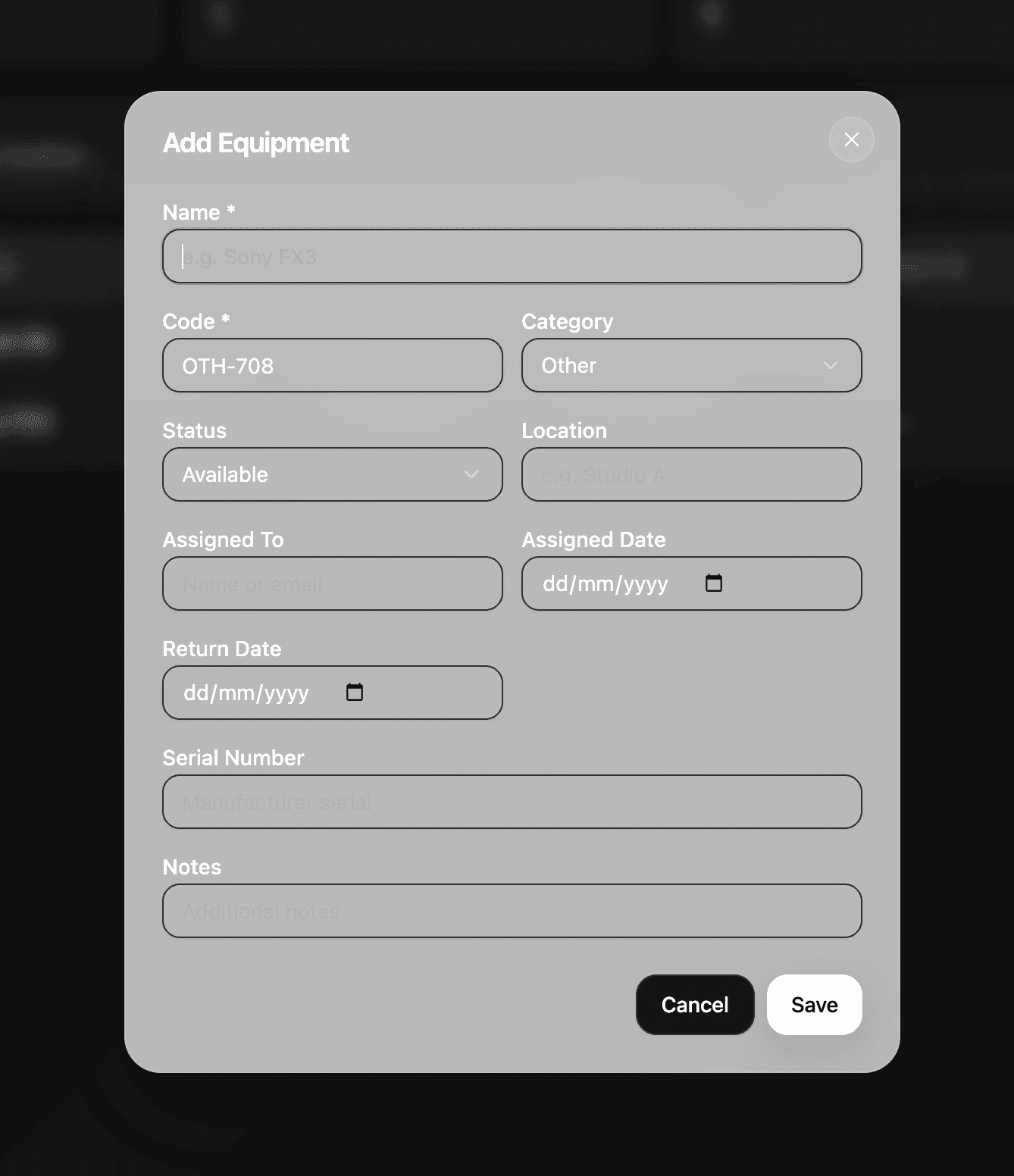
Adding equipment Add each piece of kit to your equipment list. Every item gets a unique code automatically assigned along with a name and category. Cameras, lenses, lighting, audio — log everything your production owns or uses.
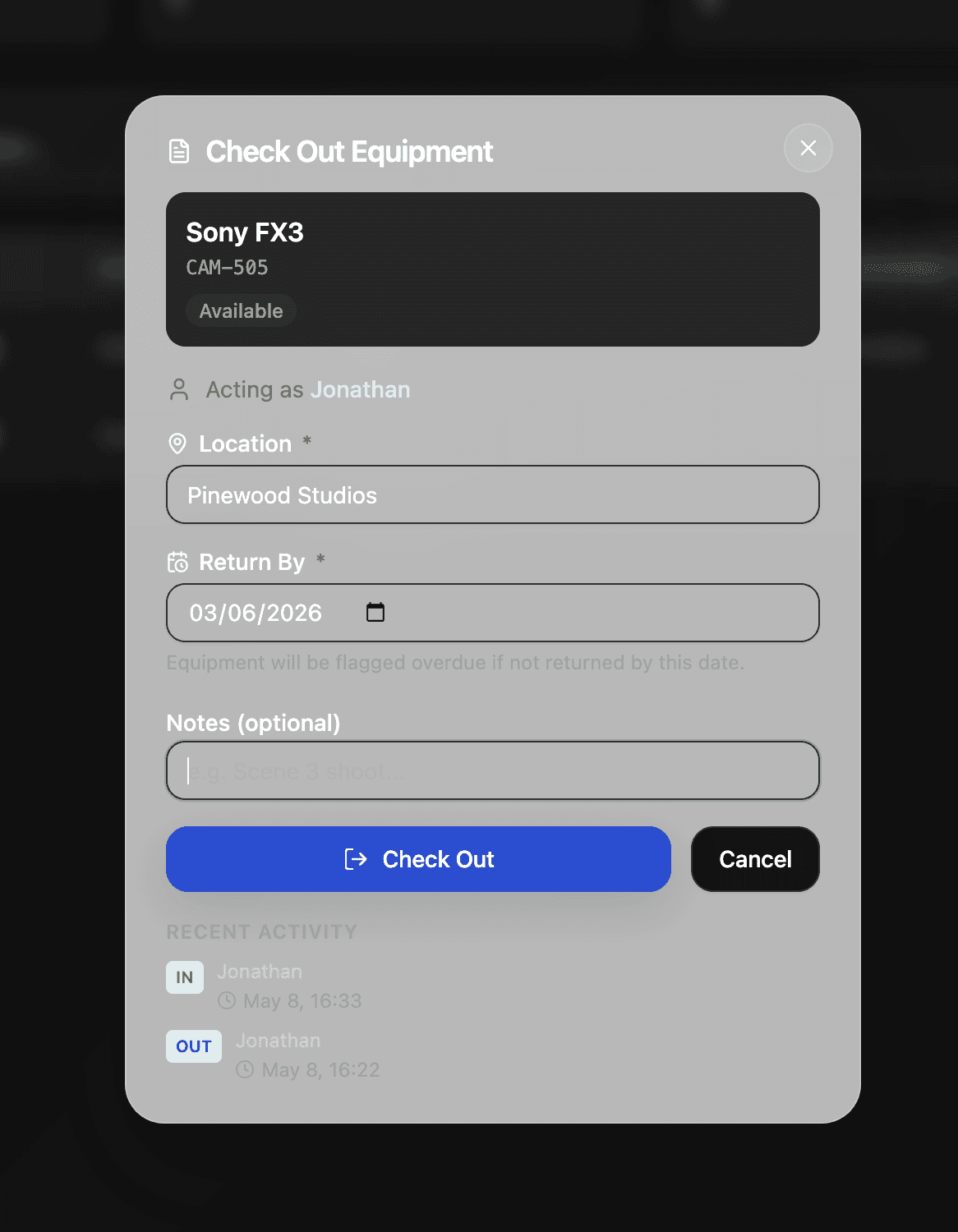
Checking out equipment When someone needs a piece of kit they simply check it out. They enter where they're taking it and when they plan to return it and their name is automatically logged against that item. You always know who has what and where it is.
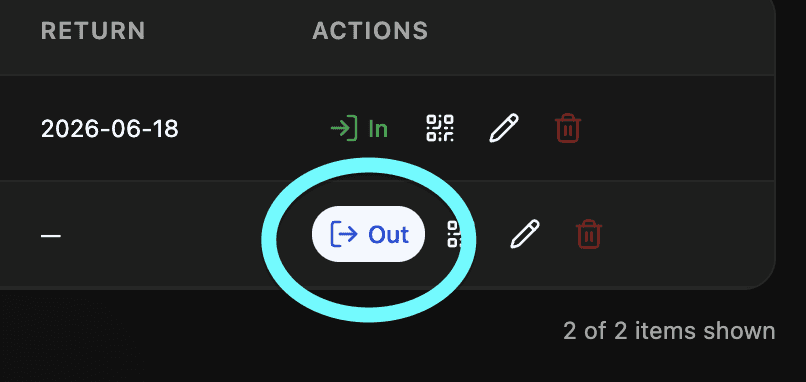
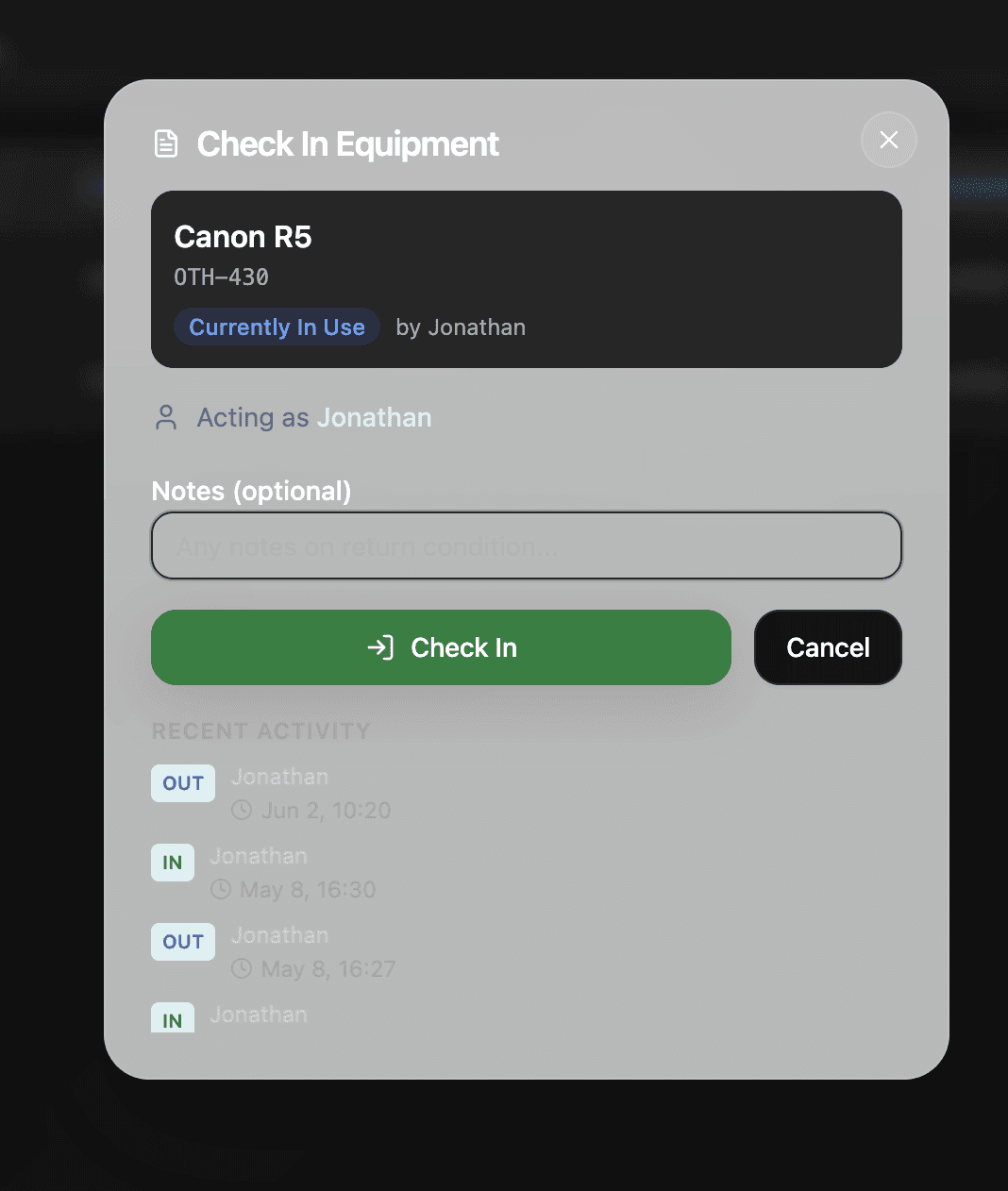
Overdue alerts If equipment hasn't been checked back in by its return date Shotly will flag it automatically. No more chasing people down to find out where the Sony FX3 ended up.
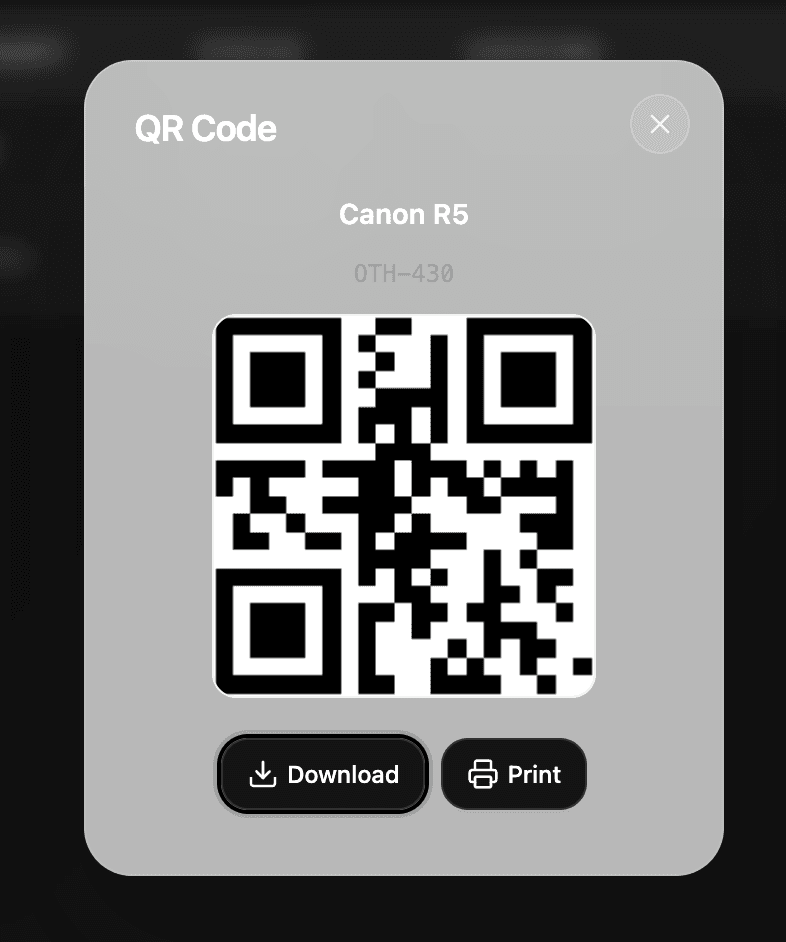
QR codes Every piece of equipment can be printed as a QR code. Stick it directly onto the kit and anyone can scan it to check it in or out instantly. Useful for larger productions managing a lot of gear across multiple shoot days.
Need help? Contact us at support@shotly.io and we'll get back to you fast.