Scheduling
Plan your shoot days without starting from scratch. Every scene you write in ScriptHub automatically appears in your schedule ready to drag and drop into place.
Getting there Open your project and click Scheduling in the left sidebar.
How it works Every scene from your script is automatically pulled into the scheduling tool. Add a shoot day, set how long you plan to shoot for, add your breaks and then drag your scenes into the order you want. That's it.
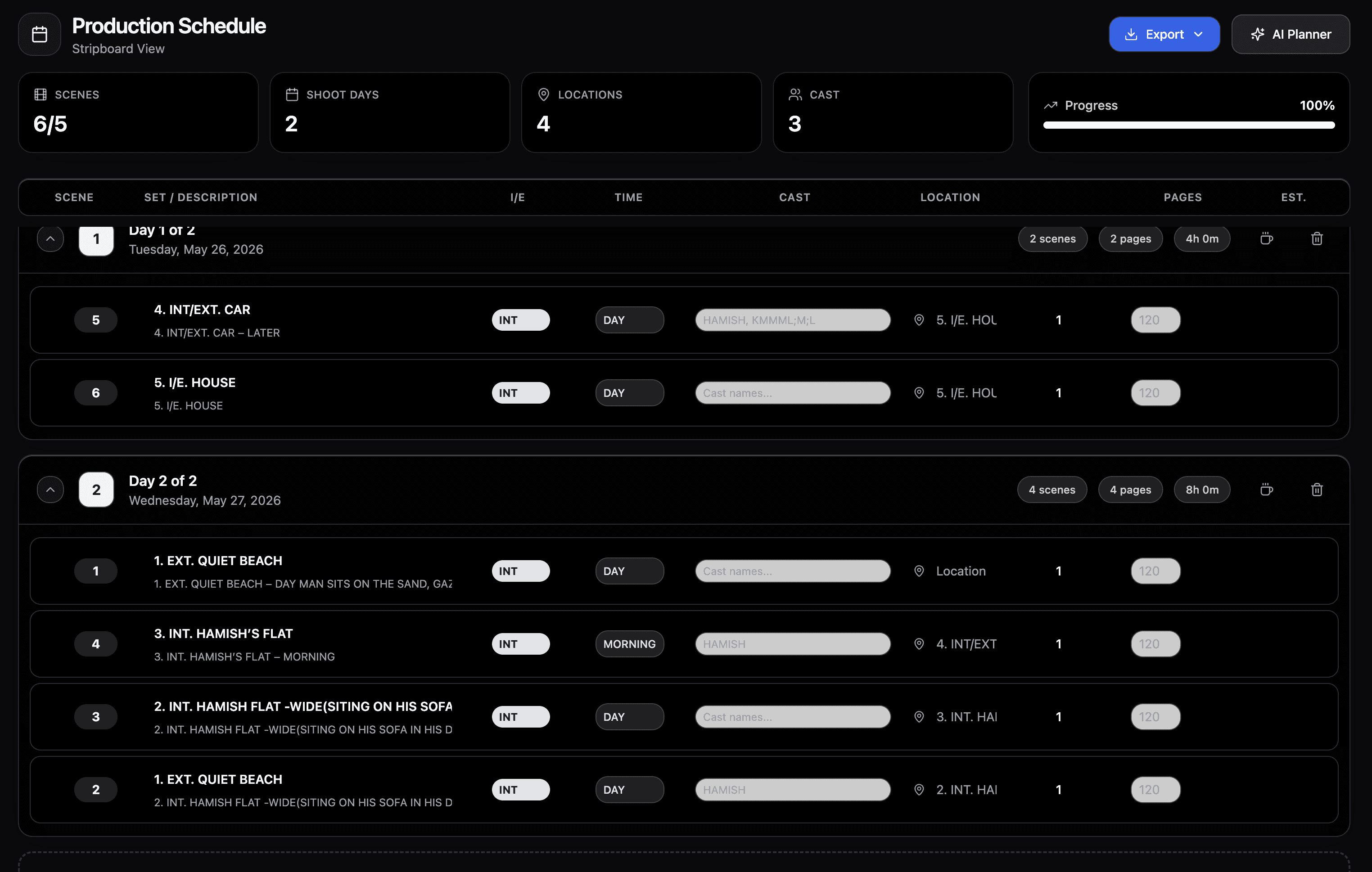
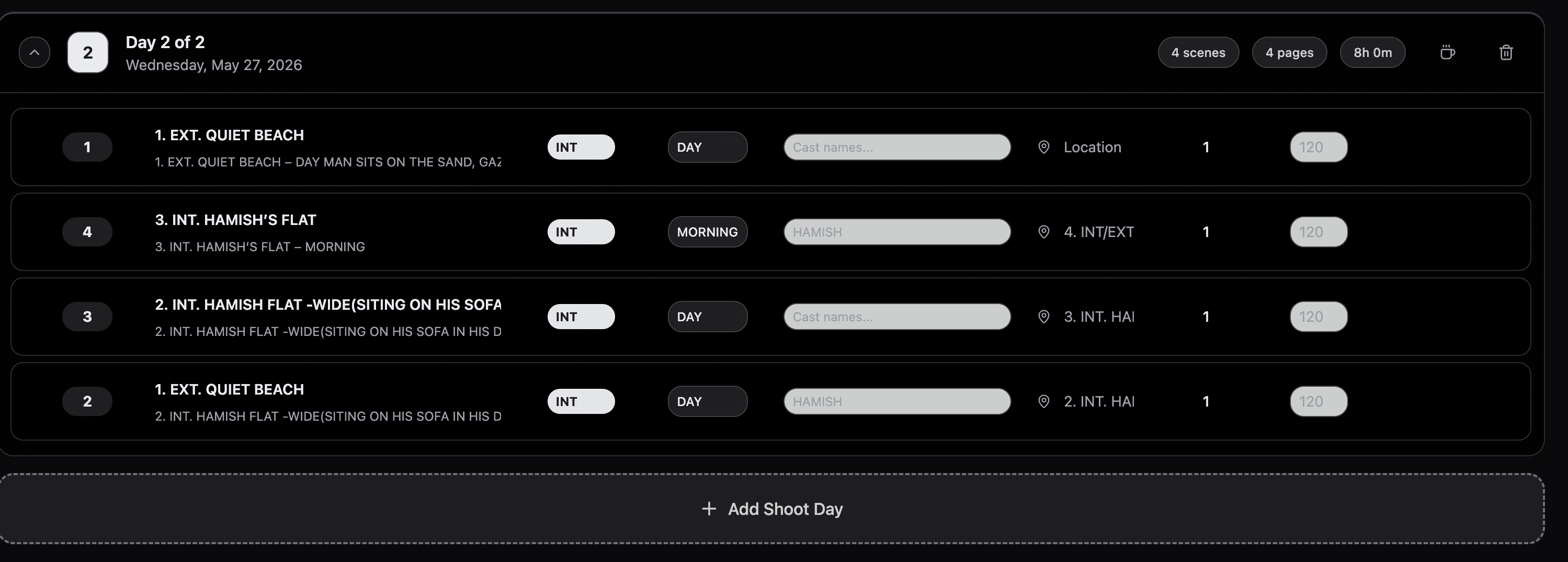
Building your shoot days Add as many shoot days as your production needs. Set your start time, your shooting duration and your breaks for each day. Drag scenes in and out until your schedule feels right.
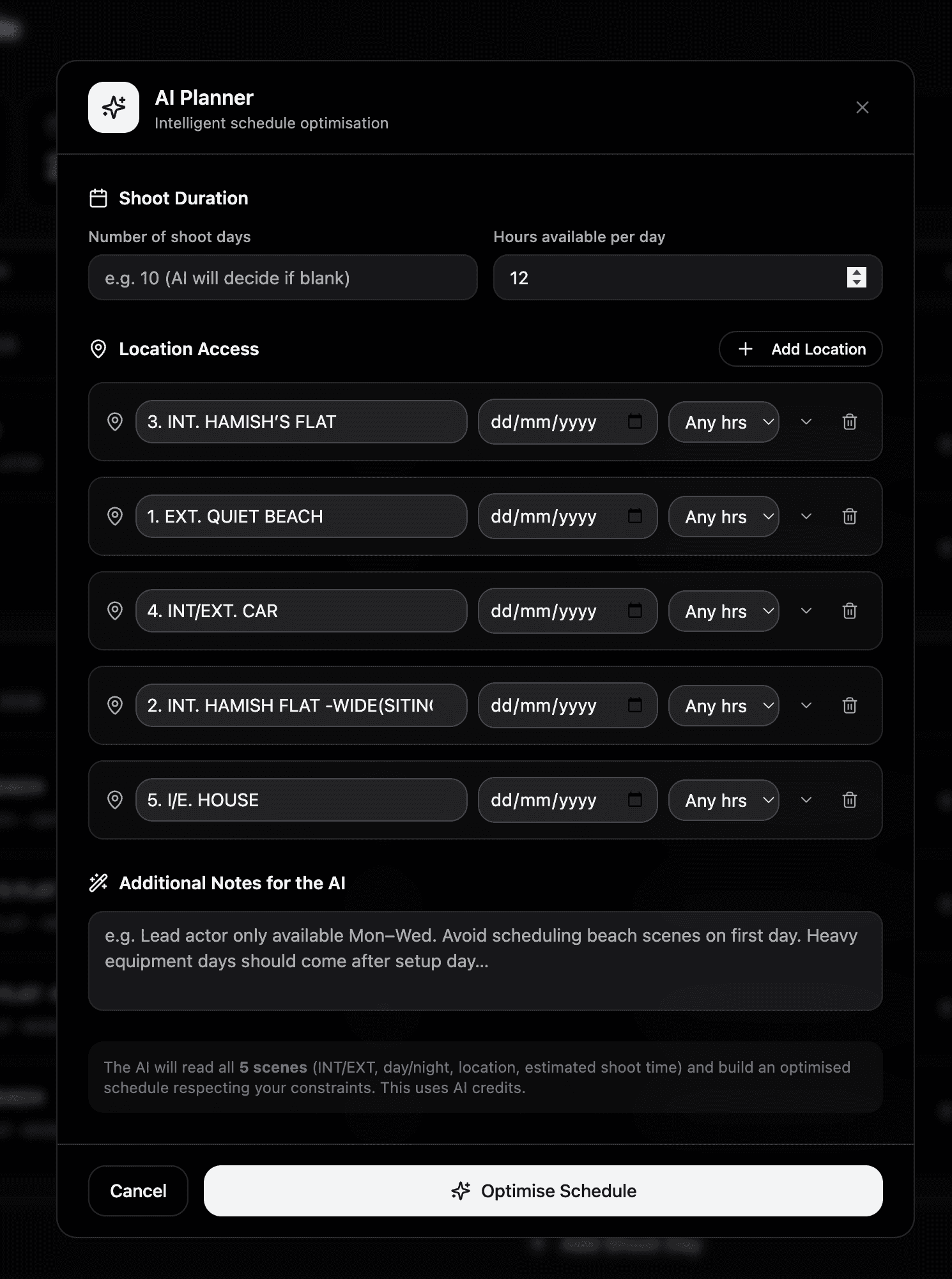
AI Planner Available on Pro and Studio plans. Describe what you're shooting and Shotly will build your entire schedule for you in the most optimised order. It considers your locations, your scenes and your shoot days and figures out the most efficient way to get everything done.
Keeping it updated Schedules change. Just drag scenes between days or adjust your timings whenever plans shift. Everything updates instantly across your whole project.
Need help? Contact us at support@shotly.io and we'll get back to you fast.