Managing your subscription
Everything about your plan, your payments and your billing history is managed from one place inside Shotly.
Getting there Click your profile picture in the bottom corner of the app and select Billing. From here you can upgrade, downgrade, cancel and manage all your payment details. When you click into the billing page you'll be redirected to our secure payment partner Stripe where everything is handled safely and privately.
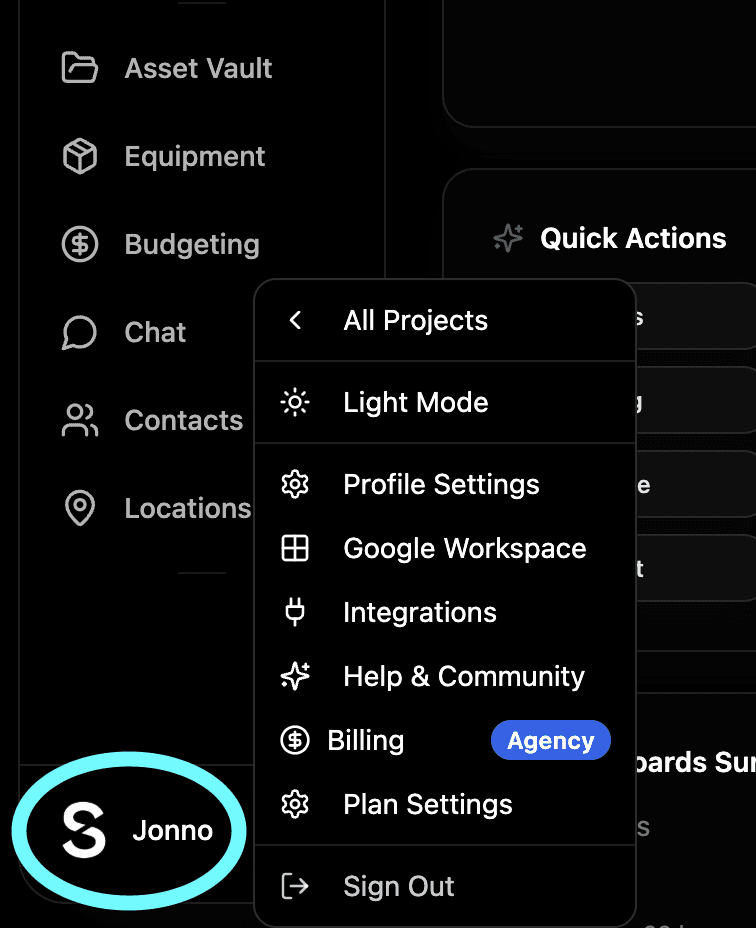
What you can see on your billing page Once on your Stripe billing page you'll have a full picture of your account:
Your current plan and what's included
Your next payment date so you're never caught off guard
Your full payment history so you can see every charge ever made to your account
Downloadable invoices for every payment useful for expenses and accounting
Your saved payment method and the ability to update it at any time
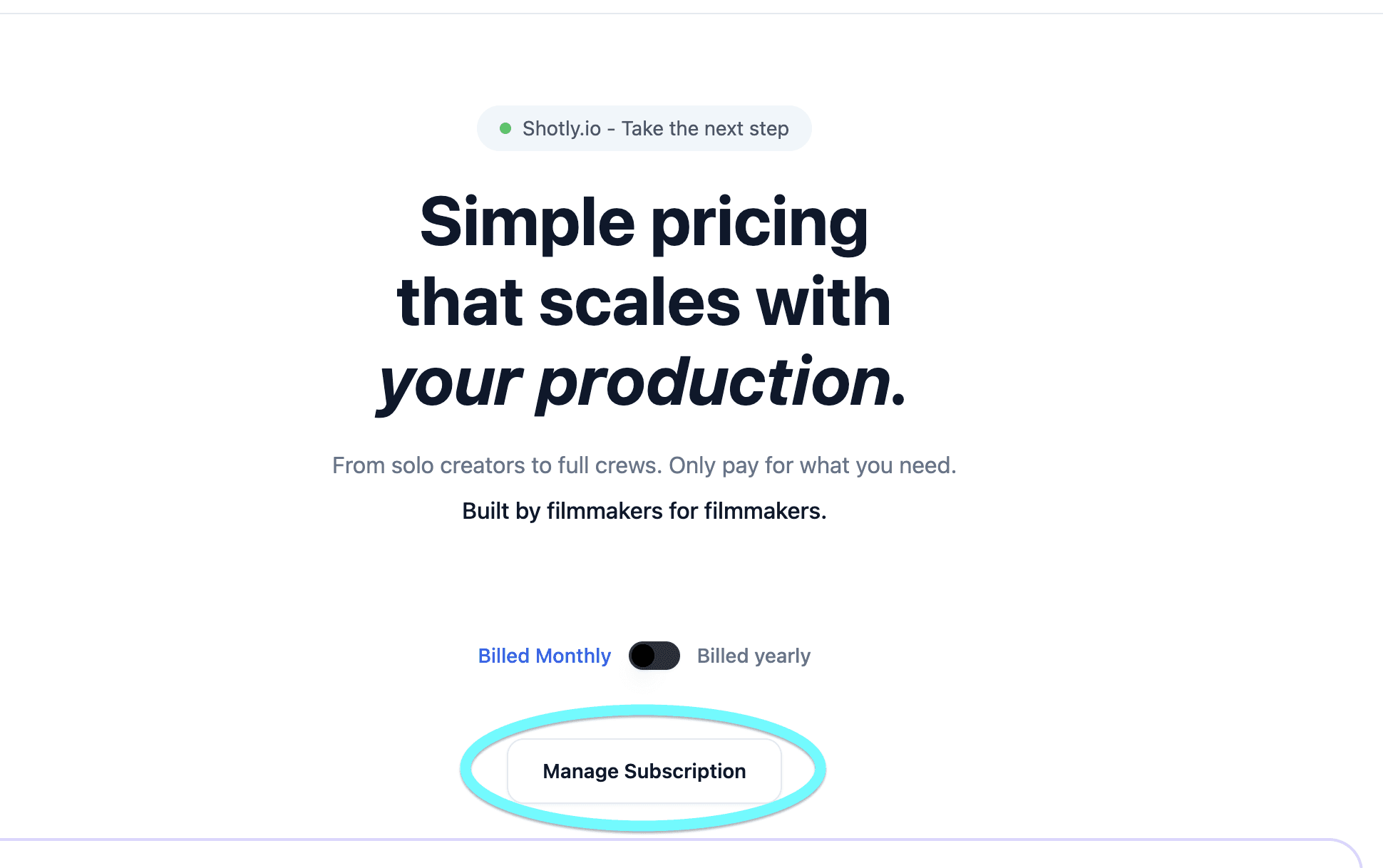
Updating your payment method Need to change your card or payment details? Head to your billing page and update your payment method directly through Stripe. It takes less than a minute and your next payment will use the new details automatically.

Downloading invoices Every payment you've ever made to Shotly has a downloadable invoice available from your billing page. Head to your payment history, find the payment you need and download the invoice as a PDF. Useful for freelancers and production companies keeping track of software expenses.